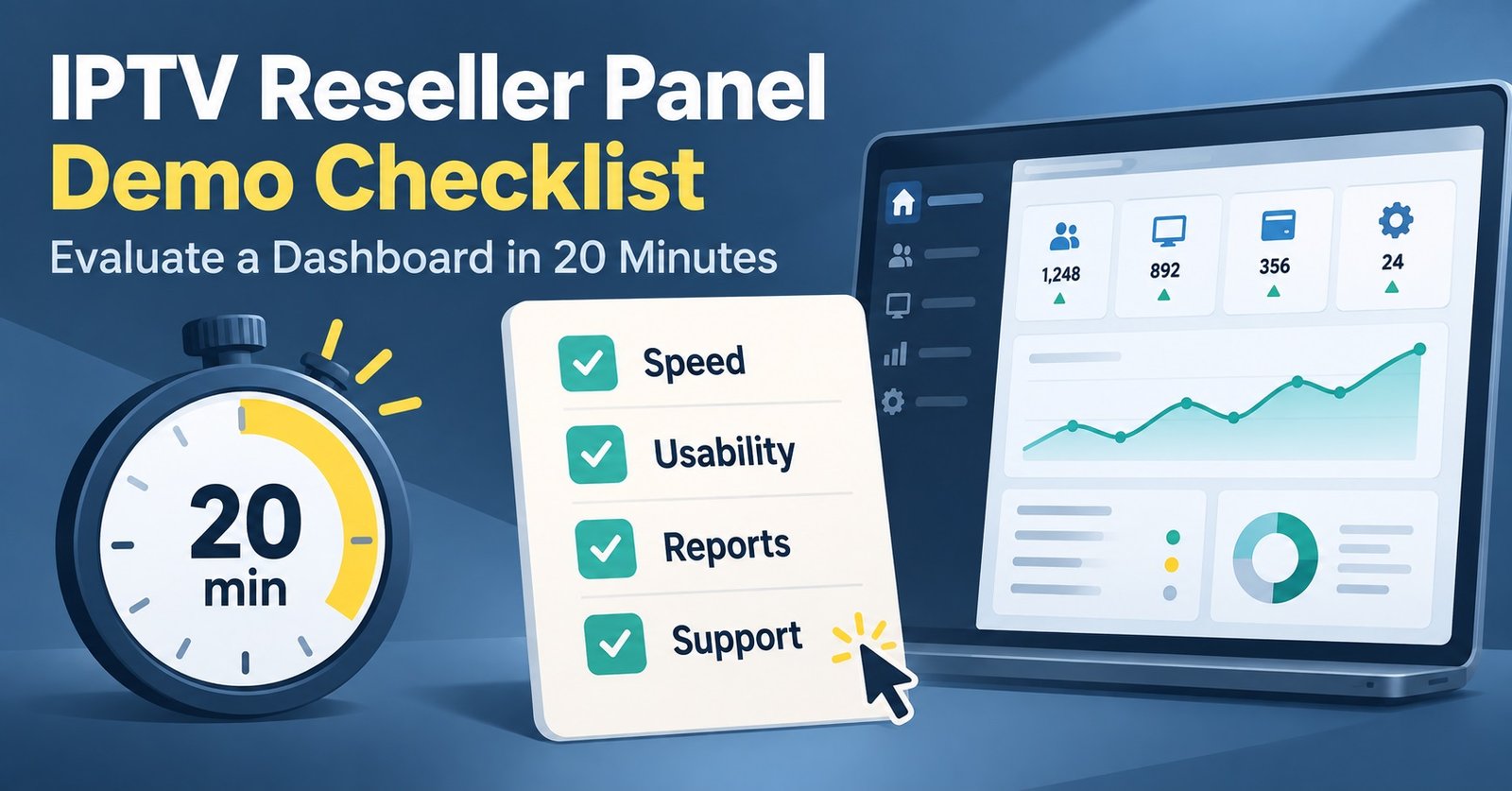

An IPTV Reseller Panel Demo is a short, supervised look at a provider’s dashboard before you commit money, and it is usually a working session rather than an open trial. Most demos take one of four shapes: a screen share where the provider drives, a read-only login into a sandbox panel, a live account with a small number of test credits, or a single test line issued to you so you can check playback on your own device. Each of those tells you something different, and only one of them lets you test the part that actually costs you customers later.
The four demo formats and what each one is worth
A screen share is the weakest form of evidence. You are watching someone competent use software they already know, on a connection you cannot inspect, at a time they chose. It is still useful for one purpose: seeing whether the dashboard layout is coherent and whether the person showing it can answer questions without stalling.
A read-only sandbox login is slightly better because you control the clicking. You can open menus, look at how subscriber records are laid out, and see whether the panel exposes the fields you will need daily, such as expiry dates, connection counts, and package assignment. What it cannot do is create anything, so the workflow you care about most stays hidden.
A live panel with a handful of test credits is where a demo becomes genuinely informative. You create a line yourself, set its duration, assign a package, and watch what the system does. Errors surface here that never appear in a guided tour.
Then there is the test line. Some providers skip the dashboard entirely and simply issue you a working subscription to check stream quality. That answers the content and playback question but tells you nothing about the reseller tools, so treat it as half a demo rather than the whole thing.
Pro tip: Ask which format you are being offered before you agree a time. If the answer is vague, you are probably getting a screen share, and you should plan your questions accordingly.
Turn the session into a test, not a tour
Providers naturally want to show you highlights. Your job is to steer the session towards the boring parts, because the boring parts are what you will touch every week once you have paying subscribers.
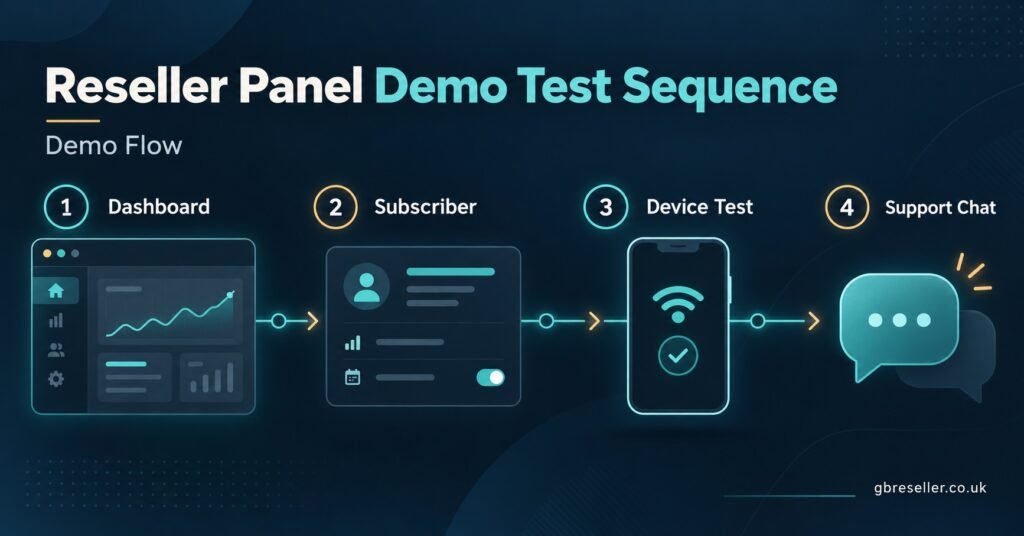
Start with a line creation, end to end
Create one subscriber account from scratch while you watch or, better, while you click. Note how many steps it takes, whether package options are clearly labelled, and whether the credentials appear immediately or need a refresh. If creating a single line involves guesswork, imagine doing it twenty times in an evening.
Change something after it exists
Extend the line. Shorten it. Change the number of simultaneous connections. Reset the password. Editing an existing subscriber is the action most likely to expose a clumsy panel, and it is the action support tickets tend to be about.
Check the panel on a phone
Resellers rarely sit at a desk when a customer messages at ten at night. Open the dashboard on mobile during the demo and see whether it collapses into something usable or turns into a table you have to pinch and drag.
Test playback yourself, on your own hardware
If you are given credentials, load them into the app your customers will actually use rather than whatever the provider recommends. A stream that behaves on one player and stutters on another is a support problem waiting to arrive.
Ask a support question mid-session
Send a message through the same channel a real customer issue would go through, then carry on with the demo. The reply time you get while a sale is still open is the best case, not the average, which is useful information in itself.
What an IPTV Reseller Panel Demo Cannot Tell You
This is the part most buyers skip, and it is where money gets lost.
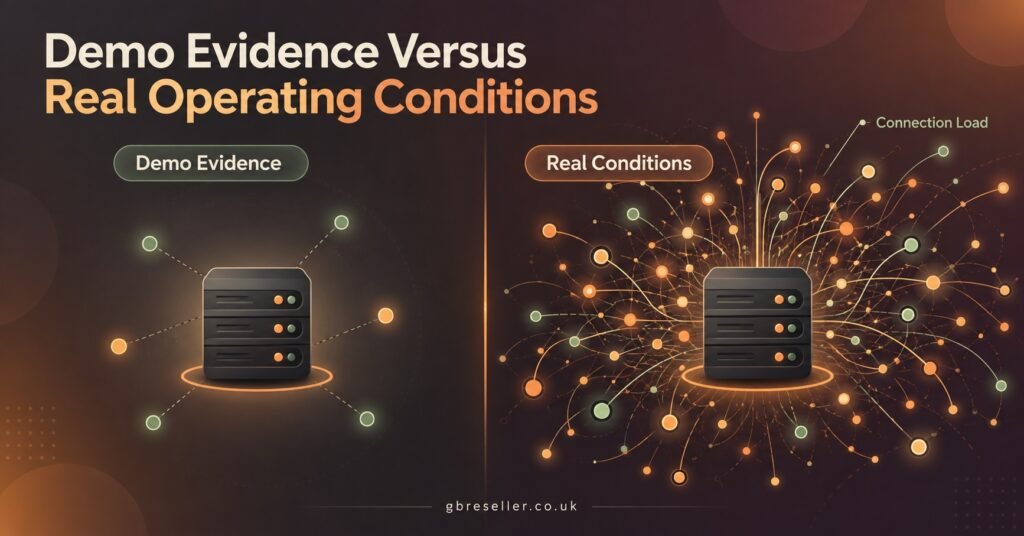
A demo happens at a quiet moment on a system that has been prepared. It cannot show you how the infrastructure behaves during a peak evening when thousands of connections land at once. It cannot show you stability across three months. It cannot show you what happens when you have an urgent problem and no purchase pending.
It also cannot tell you who owns the servers. A panel that looks polished may be a IPTV Panel reseller layer sitting on someone else’s backend, which matters because every fault then has to travel through an extra party before anyone can fix it. Asking directly is reasonable, and the quality of the answer is informative even when you cannot verify it.
Finally, a demo says nothing about commercial conduct after payment. Credit pricing changes, expiry rules, refund handling, and how a provider treats a reseller who has stopped growing are all post-sale behaviours. Written terms are better evidence than a live session.
| What you see in the demo | What it actually proves |
|---|---|
| Fast dashboard, smooth clicking | The panel software works at low load |
| Clear channel and VOD categories | Content is organised, not that it stays stable |
| Instant reply on chat | Pre-sales attention is good |
| Test line plays perfectly | One connection worked at one moment |
| Professional branding and site | Money was spent on presentation |
None of those are bad signs. They are simply weaker signals than they feel like in the moment, and it helps to know which column you are reading from.
Signals that should slow you down
Some things spotted during a demo are worth taking seriously.
A provider who will not let you touch the panel at all, in any form, is protecting something. It might be nothing more than a fear of time-wasters, but combined with pressure to buy quickly it is a poor combination.
Watch for a dashboard where subscriber credentials, expiry, and connection limits are scattered across separate screens with no search function. That design survives fine with ten customers and becomes painful at a hundred.
Be cautious when every answer about infrastructure is a superlative. Specific answers sound duller. Someone who says load is spread across several nodes and that peak evenings are the pressure point is describing a real system. Someone who says nothing ever buffers is describing a sales script.
Also note whether the person running the demo can explain the credit mechanics without checking. Credit deduction rules, what happens to unused credits, and how sub-reseller allocations work are basic operational facts. Confusion there tends to become billing confusion later.
Pro tip: Write down two questions you genuinely do not know the answer to before the session starts. Demos move quickly and it is easy to leave having only asked what the provider prompted you to ask.
When buying a small package beats asking for a demo
There is an honest limit to what any pre-sale session can prove, and at some point the cheapest way to evaluate a panel is to run a real one for a short period with a small number of credits. A starter allocation used on your own devices, over several evenings, gives you the load pattern, the support behaviour, and the dashboard workflow together, which no demo does.
This makes sense particularly if you already understand the model and are choosing between two or three shortlisted providers. If you are still deciding whether the reseller route suits you at all, the comparison between running a panel and simply IPTV reselling subscriptions is worth settling first, because it changes what you should be testing.
Before spending anything, it also helps to have run your own numbers. A rough view of credit cost against your intended retail price tells you how much a panel’s flaws will actually cost you, and the credits calculator walkthrough covers that maths. Once you know your margin, comparing published credit packages becomes a straightforward exercise rather than a guess.
Things worth asking while you have their attention
Keep these short and factual. Long questions invite long answers that say nothing.
Ask what happens to credits you have bought but not used. Ask whether credit prices you paid can be changed for allocations you already hold. Ask how a fault is reported outside working hours and who receives it. Ask whether you can create sub-resellers, and if so, whether their customers remain visible to you. Ask what the panel does when a subscriber exceeds their connection limit, since that specific event generates a surprising share of customer complaints.
The answers matter less than the manner. Precise, slightly qualified answers are usually honest ones.
Frequently asked questions
Is a demo normally free?
Most providers offer some form of walkthrough at no cost, since it is a sales activity. What varies is whether a working test line or trial credits are included, and those are the parts with a real cost attached, so expect them to be limited or conditional.
Can I record the session?
Ask first. Some providers agree, some decline because the panel shows other resellers’ interface elements or internal naming. If recording is refused, take notes on the workflow steps instead, since those are what you will want to compare between providers.
Does a demo let me test my own customers’ devices?
Only if you are given credentials rather than a screen share. When you are, test on the specific hardware your customer base uses rather than a single device, because playback issues are frequently device specific rather than network wide.
How long should I spend on it?
Long enough to create a line, edit it, view it on a second screen, and ask your prepared questions. If the session is being rushed towards a payment link before you have done those things, that pace is itself a data point.
What if a provider only offers a pre-recorded walkthrough?
Treat it as marketing material rather than a demo. A recording proves the software exists and looks tidy. It cannot answer a question, and it shows the panel on the provider’s best day.
Should I demo more than one panel?
Yes, and preferably in the same week. Panels feel impressive in isolation and ordinary in comparison. Testing two or three in quick succession makes the differences in workflow obvious in a way that a single session never does.
Where this leaves you
An IPTV Reseller Panel Demo is useful for judging software, staff competence, and whether the daily workflow suits how you plan to operate. It is poor evidence of stability, peak performance, and post-sale conduct, and no amount of polish during the session changes that. Use the demo to eliminate providers, not to select one. The final choice is better made on written terms, on how support behaves when there is no sale pending, and where possible on a short paid run with a small credit allocation on your own devices. If a provider is comfortable with all three of those, you are dealing with someone reasonably confident in what they are selling.
Demo Evaluation Checklist
- Confirm which demo format you are being offered before booking
- Create one subscriber line yourself, start to finish
- Edit that line: extend it, change connections, reset the password
- Open the dashboard on a phone during the session
- Load any test credentials into the app your customers use
- Send one support message through the normal channel mid-demo
- Ask what happens to unused credits and whether their price can change
- Ask who owns and maintains the streaming infrastructure
- Note whether answers about capacity are specific or absolute
- Compare at least two panels within the same week before deciding