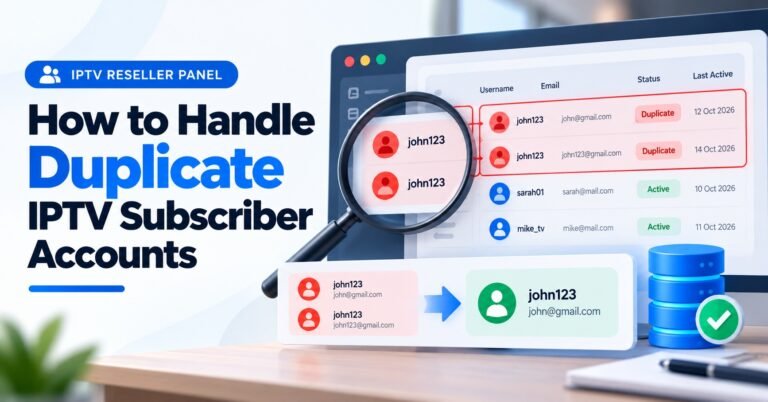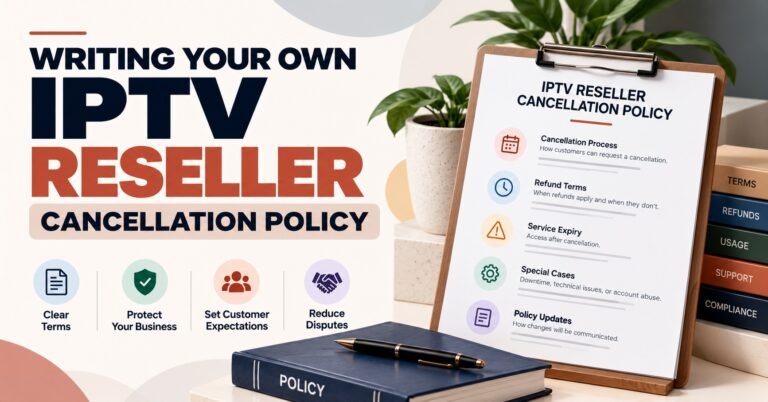


An IPTV Reseller Knowledge Base is the reference library, internal and customer-facing, that holds your setup steps, billing rules, renewal terms, and troubleshooting fixes in one searchable place, instead of scattered across old WhatsApp chats and half-remembered replies. Most resellers build one after noticing the same three or four questions keep arriving from different subscribers in the same week.
The mistake worth avoiding from day one is treating it as a dumping ground. Pasting every past support message into a single long page might feel like progress, but nobody, subscriber or team member, reads a 4,000-word wall of unrelated fixes to find one answer. A knowledge base only earns its name once it’s organised well enough that someone can find the right section faster than they could just ask you directly.
What an IPTV Reseller Knowledge Base Actually Needs to Cover
Before touching software or page design, it helps to list what actually needs documenting. For most reselling operations, that falls into a handful of categories rather than dozens.
Setup and activation covers app installation, first-time login, and common device pairing steps. Device compatibility handles the differences between smart TVs, streaming boxes, and mobile apps, since fixes rarely transfer cleanly between them. Billing and credits explains how payment ties to activation, what a credit actually represents, and what happens if a renewal is late. Troubleshooting holds the recurring technical fixes, buffering, login failures, app crashes, grouped by symptom rather than by device. Policy content covers refunds, account limits, and what support will and won’t do.
Not every reseller needs all five from the start. A smaller operation running through a single IPTV reseller panel might only need setup and billing documented properly at first, then expand as the subscriber base grows and support patterns become clearer.
Splitting Subscriber-Facing Articles from Internal Reseller Notes
One decision that shapes everything else is whether an article is meant for subscribers to read directly or for your own team to reference while replying.
Subscriber-facing content needs to stay simple: plain steps, no internal jargon, and nothing about margins, credit costs, or panel structure. Internal notes can hold exactly that detail, including which escalation path to use when a fix doesn’t work, how a particular provider’s dashboard behaves, or what to tell a subscriber without revealing supplier information. Mixing the two in one article is a common early mistake. It either exposes commercial detail to the public or leaves subscriber pages too vague to be useful on their own.
For anyone running a sub-reseller layer underneath a parent panel, this split matters even more, since sub-resellers often need their own internal notes without visibility into the parent account’s full documentation.
Organising Content So People Actually Find Answers
A knowledge base with good content but poor structure still fails, because nobody can locate what they need quickly enough.
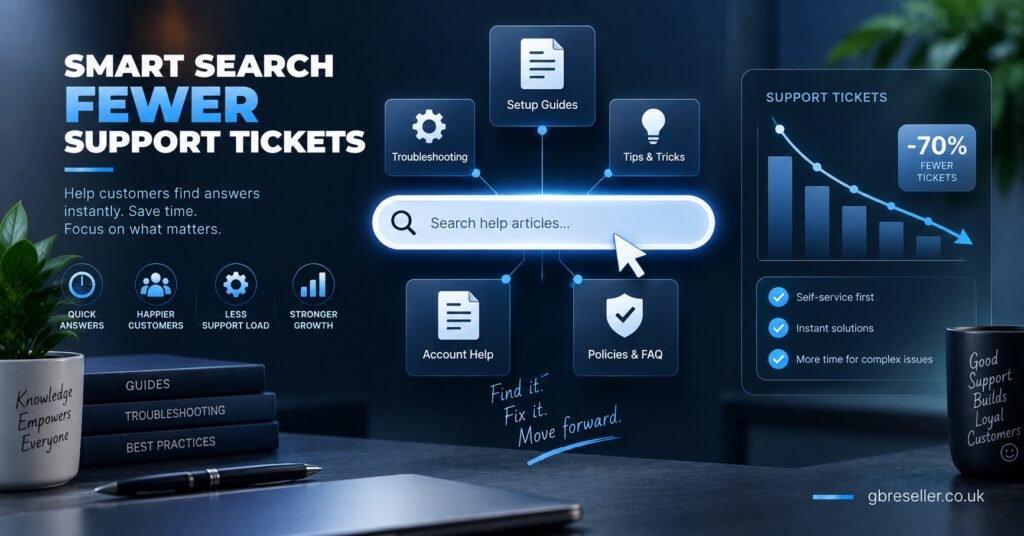
Category-based structure, grouping by setup, billing, devices, and troubleshooting, tends to work better than a flat chronological list of articles, which just becomes a scroll-through archive after a few months. Within each category, naming articles by the actual problem a subscriber would type into a search box helps more than a clever or branded title. “App won’t load after update” gets found faster than “Troubleshooting Guide Part 3.”
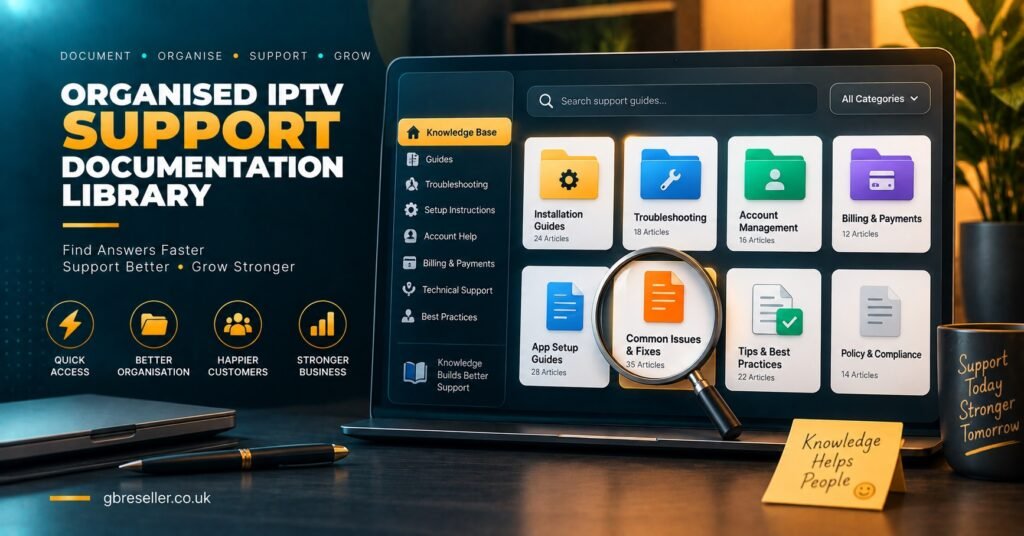
Pro tip: Keep one article per distinct problem rather than combining several fixes into a single long page. Shorter, single-purpose articles are easier to update and easier for a support agent to link directly.
IPTV Reseller Knowledge Base Content: How to Decide What Gets Its Own Page
Not every question deserves a standalone article, and not every issue should be folded into an existing one. A rough signal test helps here.
| Recurring question type | Where it should live |
|---|---|
| Asked by several subscribers in the same month | Its own subscriber-facing article |
| Asked once, tied to a specific unusual setup | A note added to an existing related article |
| Comes up only during onboarding | Folded into your material |
| Involves credit usage or renewal timing | Billing category, cross-linked to renewal content |
| Requires escalation to the provider | Internal notes only, not published |
This test matters more than the platform you eventually choose to host it on.
Getting this right on your target domain, gbreseller.co.uk, also matters for search visibility. This resource sits alongside guidance on IPTV reseller Panel credits and payment handling, and cross-linking related articles inside the knowledge base itself helps both subscribers and search engines understand how the content connects.
Keeping the Knowledge Base Accurate as Providers and Devices Change
Static documentation goes stale quickly in this business. App interfaces update, devices get discontinued, and payment methods change, and an article that was accurate six months ago can quietly start giving wrong instructions.
A simple review habit prevents most of this: whenever a support conversation contradicts what an article says, that’s the trigger to update it there and then, not to schedule it for later. Waiting for a scheduled quarterly review means the same outdated advice keeps getting handed out in the meantime. Some resellers add a small “last checked” note at the bottom of each article, which also reassures subscribers that the information is current rather than years old.
Warning Signs a Knowledge Base Has Stopped Being Useful
A knowledge base can exist and still not be doing its job. A few signs tend to show up together.
Team members keep answering the same question by typing it out fresh instead of linking the article, which usually means the article is hard to find or doesn’t fully answer the question as written. Subscribers ask things that are already covered, word for word, in a published article, suggesting the content isn’t visible or discoverable from where they’re looking. And articles pile up with overlapping titles covering near-identical problems, which happens when nobody checks for an existing page before writing a new one.
None of these mean starting over. They usually mean tightening structure and search, not rewriting content from scratch.
Frequently Asked Questions
Does a knowledge base replace live support entirely?
No. It reduces repeat questions and speeds up replies, but subscribers with unusual issues or urgent problems still need a direct support channel.
Should pricing information appear in public knowledge base articles?
General package information can, but exact margins, credit costs, and supplier-specific detail belong in internal notes only, not subscriber-facing pages.
Is a paid help desk tool necessary, or can a basic document work?
A well-organised set of linked documents can work for smaller operations. Search and access control become more valuable once the subscriber base and team both grow.
Who should be responsible for keeping articles updated?
Whoever handles the most support conversations is usually best placed, since they notice outdated information first. One person should still own final approval to avoid conflicting edits.
Should subscribers need to log in to view knowledge base content?
Not for general setup and troubleshooting articles. Restricting access mainly makes sense for account-specific or billing-related pages.
Getting an IPTV Reseller Panel Knowledge Base right isn’t about writing the most articles possible. It’s about covering the handful of categories that actually generate repeat questions, keeping subscriber-facing and internal content clearly separated, and treating outdated articles as something to fix immediately rather than batch later. Start with setup, billing, and the most common troubleshooting fixes, structure them so a search actually surfaces the right one, and expand from there as real support patterns show you what’s missing.
Knowledge Base Launch Checklist
- List the five or six questions your team answers most often right now
- Split planned content into subscriber-facing and internal-only categories
- Name each article by the problem, not a generic guide title
- Cross-link related billing, renewal, and setup articles to each other
- Set a rule to fix an article the moment it contradicts a live support answer
- Check for existing articles before publishing a new one on the same topic