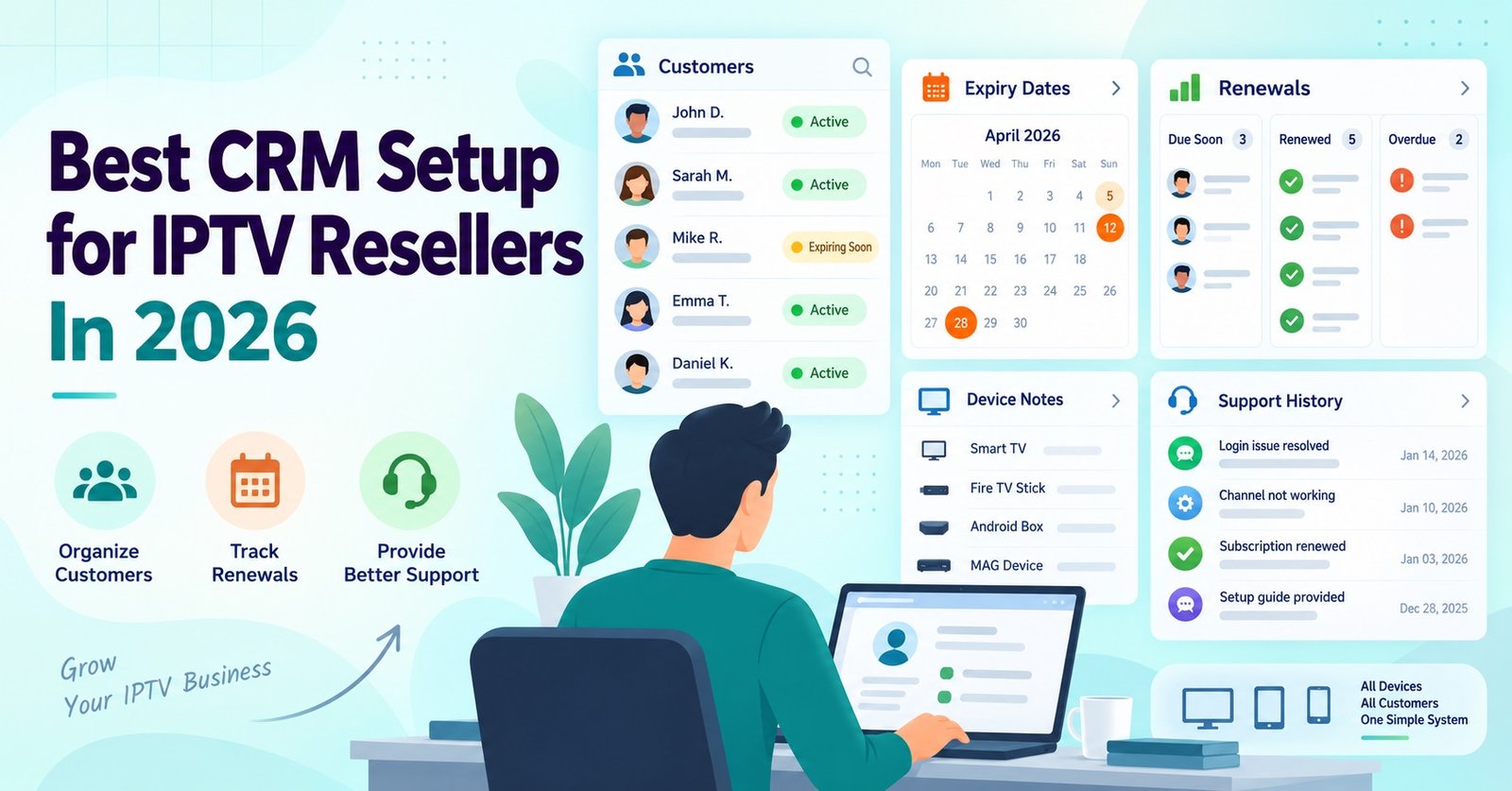

CRM setup for IPTV resellers means building a system that tracks subscriber lines, renewal dates, and support history in one place, rather than juggling spreadsheets, WhatsApp threads, and payment screenshots separately. Most resellers only realise they need one after losing track of who’s due to renew or forgetting which customer reported a buffering issue three weeks ago.
Why spreadsheets stop working past a certain point
A spreadsheet is fine for the first ten or fifteen subscribers. You know most of them by name, you remember roughly when they signed up, and renewals happen close enough together that a quick scroll catches anything urgent.
Past thirty or forty active lines, that stops being reliable. Renewal dates spread across the month, support requests come in from three different channels, and a missed row in a spreadsheet becomes a lapsed subscriber who assumes you’ve gone quiet on them. This is usually the point where IPTV panel resellers start asking what a proper CRM setup actually needs to include, rather than just adding more columns to an existing sheet.
The core fields a reseller CRM needs
Before picking software, it helps to know what you’re actually trying to record. An IPTV reseller’s CRM doesn’t need the full complexity of a sales-focused CRM built for lead scoring and pipeline stages. It needs to answer a smaller set of practical questions quickly.
| Field | Why it matters |
|---|---|
| Subscriber name and contact method | Needed for renewal reminders and support replies |
| Line start date and expiry date | Drives your entire renewal schedule |
| Device type | Speeds up troubleshooting when something stops working |
| Payment method and last payment date | Prevents disputes over what’s owed and when |
| Credit used per activation | Ties subscriber records back to your credit balance |
| Support notes | Stops repeat questions from being answered from scratch each time |
Some resellers add a package tier or price paid field too, particularly if they run more than one pricing option. The point isn’t to record everything possible. It’s to record what you’d otherwise have to ask the customer to repeat, or dig back through old messages to find.
Pro tip: Add a “last contact” date field even if nothing else changes. It tells you at a glance whether a subscriber has gone quiet, which often happens before a non-renewal, not after it.
Choosing a tool that fits a credit-based reseller business
Most IPTV resellers land in one of three categories when it comes to tooling.
Spreadsheet-based tracking works for very small operations, but it has no automation, no reminders, and no way to search support history quickly once you’re past a couple of dozen subscribers.
General-purpose CRM platforms built for sales teams can technically be adapted, but most of their features (deal stages, lead sources, quote generation) don’t map onto a subscription-renewal business. Setting one up properly usually means stripping out more than you keep.
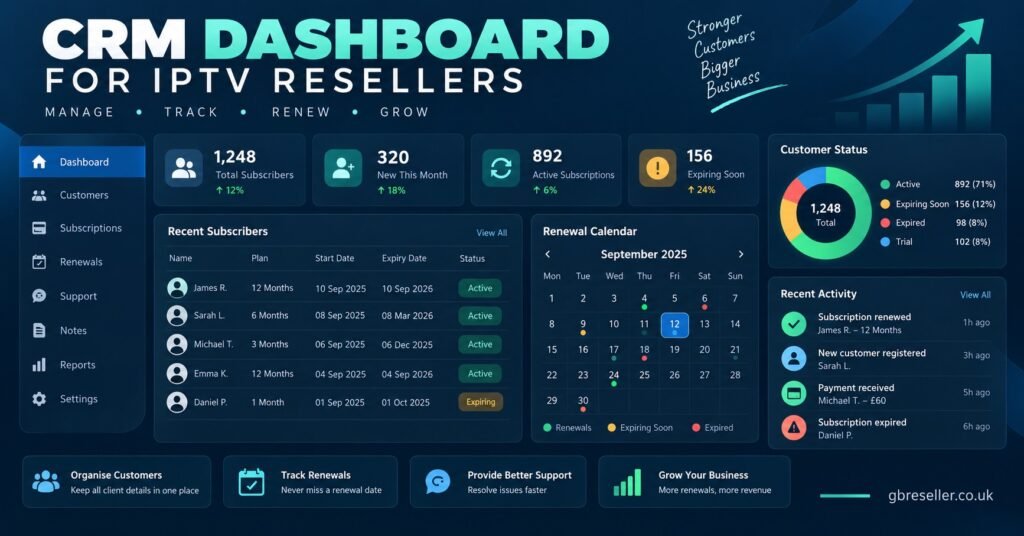
Lightweight CRM or subscription-management tools built around recurring billing tend to fit better, since renewal tracking is closer to their core purpose than it is for a generic sales CRM. Some resellers also build a simple internal tracker using a form and database tool, which keeps the field structure exactly matched to how IPTV reseller Panel credits get used against subscriber lines.
There isn’t a single correct choice here. A reseller running fifteen lines through WhatsApp doesn’t need the same setup as someone running four hundred lines with a sub-reseller layer underneath them.
Building the renewal workflow around expiry dates
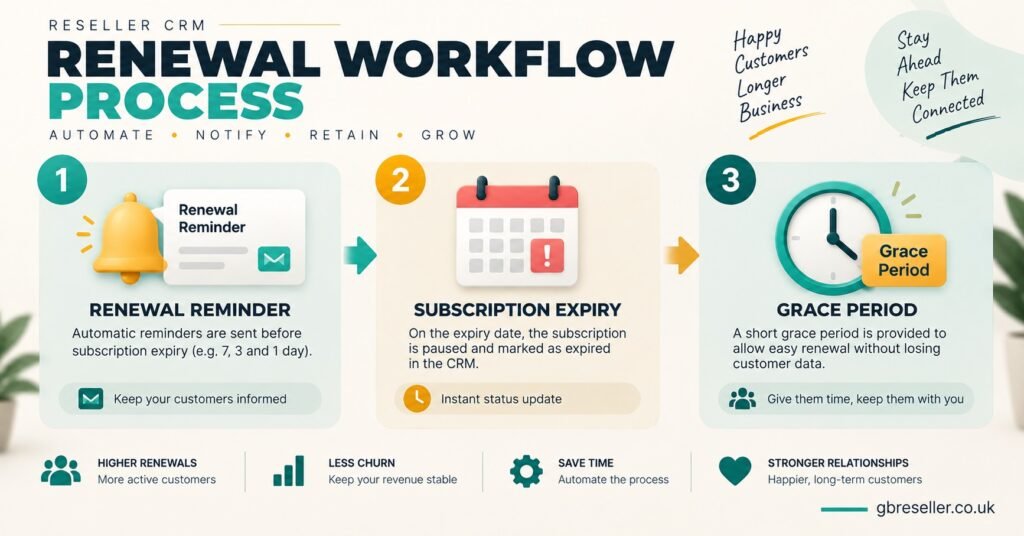
The single most useful thing a CRM does for an IPTV reseller is turn expiry dates into a repeatable process rather than something you have to remember manually. That usually means three stages.
A reminder window before expiry, typically five to seven days out, gives the subscriber time to arrange payment without feeling rushed. A second, shorter reminder closer to the actual expiry date catches anyone who missed the first one. And a short grace-period process for lapsed accounts decides in advance whether the line gets suspended immediately or held briefly while payment is chased.
Writing this down as a fixed sequence matters more than the exact timing you choose. Without it, renewal handling tends to depend on whoever happens to notice the expiry date that day, which is exactly the inconsistency a CRM setup is meant to remove.
Pro tip: Keep the grace-period rule the same for every subscriber. Making exceptions case by case is where most billing disputes with resellers start.
Setting up support history without duplicating effort
Support notes are often the part of a CRM setup that gets skipped, mostly because typing up a summary after every WhatsApp conversation feels like extra admin. It pays off quickly, though, particularly once a second team member is handling messages, or once a subscriber contacts you again weeks later about the same issue.
A workable approach is to log only three things per contact: the date, a one-line issue summary, and the resolution. That’s enough to avoid re-diagnosing a fault from scratch, without turning every message into a full case file.
For sub-resellers managing their own customer base under a parent panel, this record also becomes useful if a dispute reaches the parent reseller. Having a dated note showing what was told to a subscriber, and when, is far more useful than trying to reconstruct a conversation from memory.
Common mistakes when setting up a CRM for the first time
A few patterns show up repeatedly among resellers setting this up for the first time.
Building too many fields from day one is the most common. A CRM with thirty fields per subscriber rarely gets filled in consistently, and half-completed records are often worse than no record at all, because they create false confidence.
Not migrating old data properly is another. Importing subscriber lists from a spreadsheet without checking expiry dates and device types transfer correctly means the CRM starts life already slightly wrong, which undermines trust in it from the outset.
Treating the CRM as separate from the credit system also causes friction. If activating a line in your IPTV panel reseller dashboard and logging it in the CRM are two disconnected manual steps, one of them eventually gets forgotten, usually the CRM entry, since the panel activation is the part that actually gets the customer streaming.
Verifying the setup before relying on it
Before treating a new CRM as the single source of truth, it’s worth running it alongside whatever system you used previously for two to three weeks. Cross-check a sample of renewal dates against your reseller dashboard, confirm reminder notifications are actually firing on schedule, and check that a support note logged by one team member is visible to another if more than one person handles messages.
This overlap period catches configuration errors while the old system is still there as a backup. Switching over completely on day one, then discovering a reminder automation wasn’t set up correctly, is how renewal dates get missed during the exact period a CRM was meant to prevent that.
Frequently Asked Questions
Do I need a CRM if I only have a handful of subscribers?
Not necessarily. Under roughly twenty or thirty active lines, a well-organised spreadsheet with clear expiry-date sorting often does the job. The value of a CRM grows as subscriber numbers and support volume increase.
Can I use a free CRM tool for this?
Yes, many free-tier CRM tools support the basic fields an IPTV reseller needs. The limitation usually shows up around automation, such as scheduled renewal reminders, which is often restricted to paid tiers.
Should sub-resellers keep their own CRM separate from the parent panel?
Generally yes. A sub-reseller’s subscriber relationships and support history belong to their own business, even though the underlying credits and infrastructure come from the parent IPTV reseller panel.
How much time does setting up a CRM properly take?
For a reseller with an existing subscriber list, expect a few hours for initial field setup and data migration, plus the two to three week verification period before fully switching over.
What happens to CRM data if I switch reseller panels?
Subscriber contact details, expiry history, and support notes stay with you, since they’re stored in your CRM rather than the panel itself. Only the underlying credit and activation details tie to whichever panel is currently in use.
CRM Setup Checklist for IPTV Resellers
- Confirm the core fields: contact details, expiry date, device type, payment history, support notes
- Decide on a renewal reminder sequence and how many stages it needs
- Set a fixed grace-period rule and apply it consistently
- Migrate existing subscriber data and spot-check for errors
- Run the new CRM alongside the old system for two to three weeks
- Confirm reminder automations are actually firing before removing the backup system
- Agree a simple support-note format if more than one person handles messages
Getting CRM setup for IPTV resellers right isn’t about finding the most feature-heavy tool available. It’s about recording the handful of fields that actually change how you run renewals and support, then building a consistent process around expiry dates rather than relying on memory. Start with the core fields, pick a tool that matches your subscriber volume rather than a generic sales CRM, and run it in parallel with your existing system before trusting it completely. For resellers managing IPTV reseller panel credits alongside a growing subscriber base, that verification period is usually what separates a CRM that gets used properly from one that gets abandoned within a month.