
An IPTV reseller dashboard is the private control panel a provider gives you to create subscriber accounts, assign channel packages, monitor active lines and set your own pricing, all without touching a server yourself. You log in with credentials issued after purchasing credits, and from there the entire customer lifecycle, from a trial line to a renewal, runs through that single interface.
What An IPTV Reseller Dashboard Actually Contains
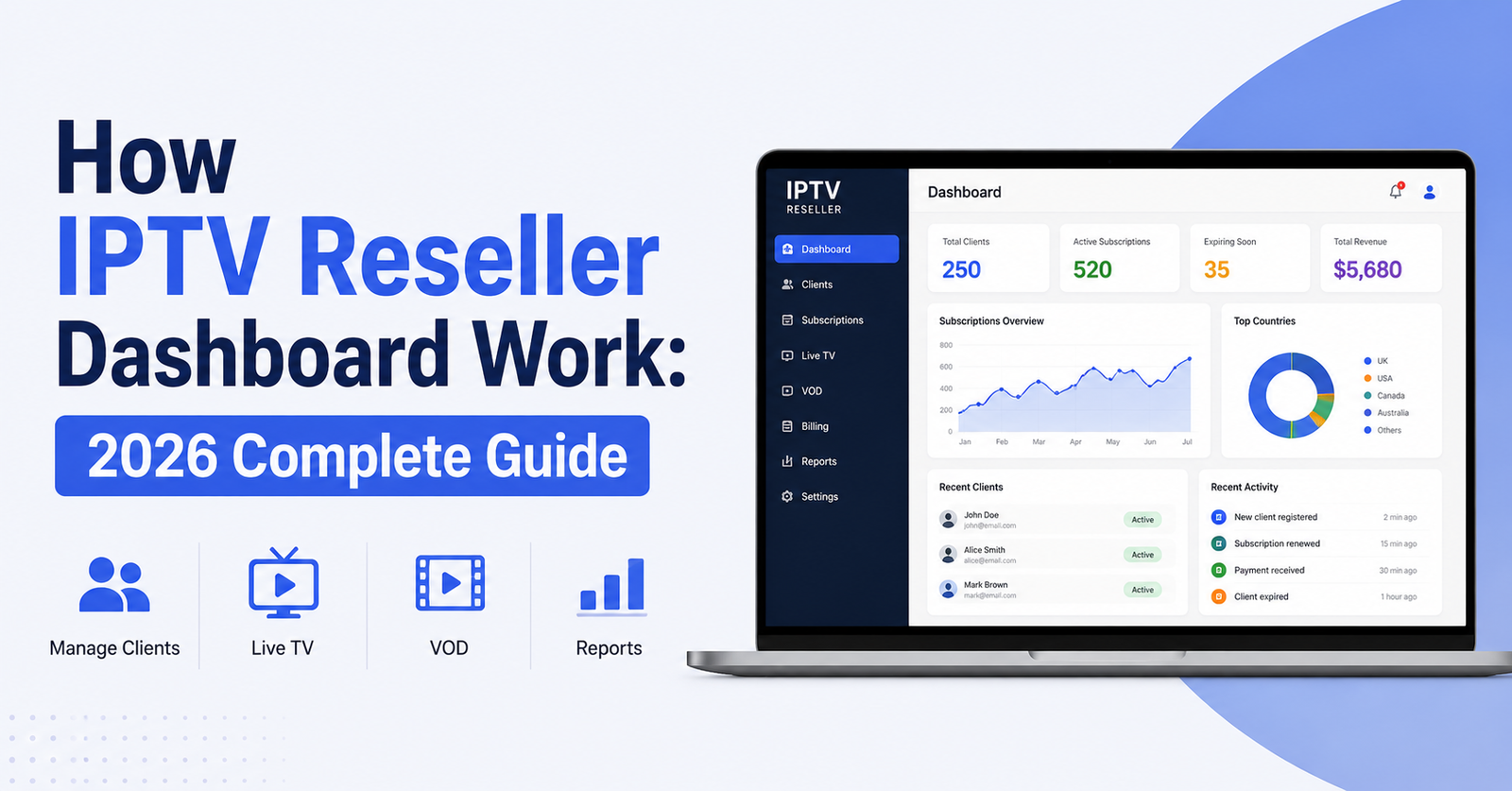
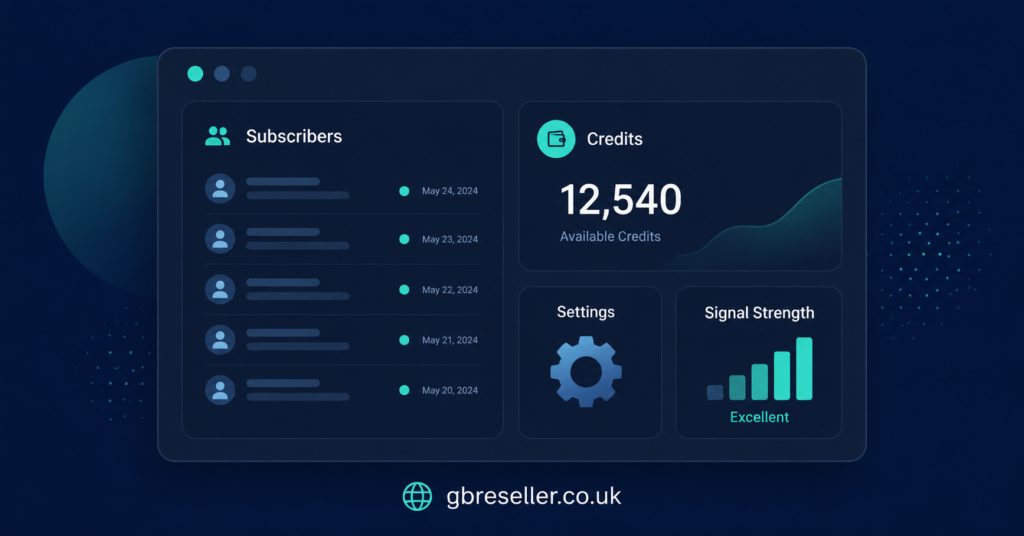
Strip away the branding and most dashboards are built around the same handful of screens. There is a line creation screen where you enter a username, pick a package or bouquet, set a connection limit and choose an expiry date. There is a line management screen showing every active, expired and suspended account you have created. There is a credits screen showing your balance and purchase history. And there is usually a basic reporting tab showing which packages are used most and which lines are close to expiry.
None of this requires server knowledge. You are not touching an Xtream Codes backend or configuring a CDN. The provider runs that layer. Your dashboard is a management interface sitting on top of it, which is exactly why resellers with no technical background can operate one within a day of getting access.
Where dashboards genuinely differ is in the details: how quickly a new line appears after you create it, whether you can bulk-suspend accounts during a billing dispute, whether the panel shows real-time concurrent stream data, and how granular the permission system is if you plan to bring on sub-resellers later. Reviewing the core features of an IPTV reseller panel before committing to a provider gives you a clearer sense of what varies between one dashboard and another.
How The Credit System Ties Into The Dashboard
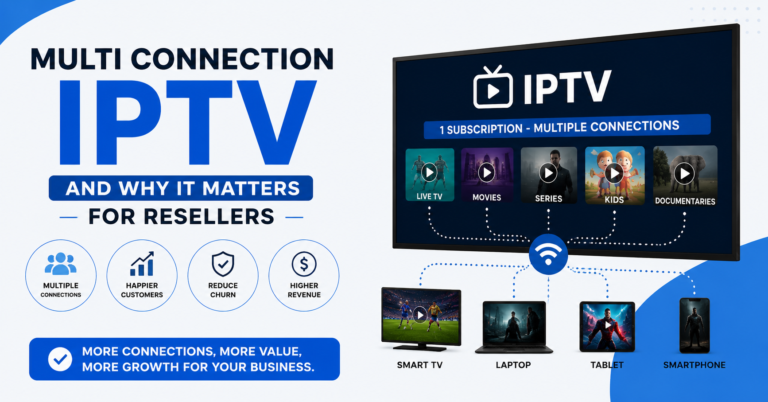
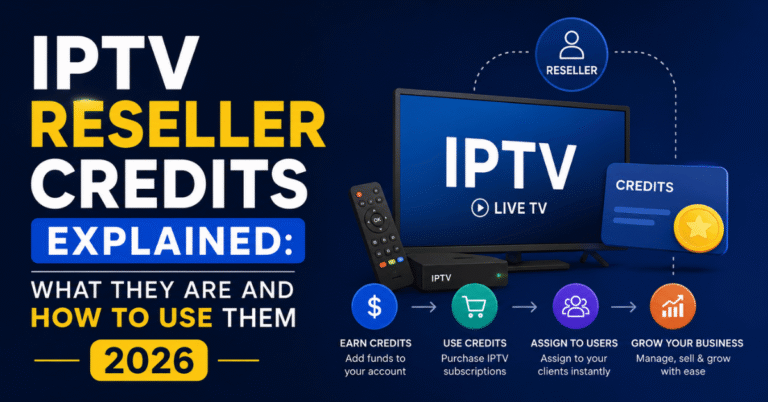
Every dashboard is built around credits, and understanding this relationship matters more than most new resellers expect. One credit typically activates one subscriber line for one month. Some providers offer multi-connection lines that cost more credits per activation, since two or three simultaneous streams draw more from shared infrastructure than a single connection.
Credits are usually purchased in bulk before you need them, then drawn down as you create lines. A dashboard should show your remaining balance clearly on the main screen, not buried three menus deep, because running out mid-renewal is one of the more common ways resellers lose a customer at the worst possible moment.
Pro tip: Set a personal rule to top up credits once your balance drops below what covers two weeks of expected renewals. This avoids the scramble of restocking credits the same day a batch of subscriptions expires.
Setting Up Your Dashboard For The First Time
Once a provider issues login details, the first session usually follows a predictable sequence. You confirm your credit balance, set your branding if the panel supports white labelling, and create a small number of test lines before offering anything to real customers.
Branding options vary by provider. Some let you upload a logo and choose a display name that customers see when they log in, while others keep branding limited to the app rather than the panel itself. If presenting a fully branded service to your own customers matters to your business, confirm this capability before purchasing credits rather than after.
Creating And Managing Subscriber Lines
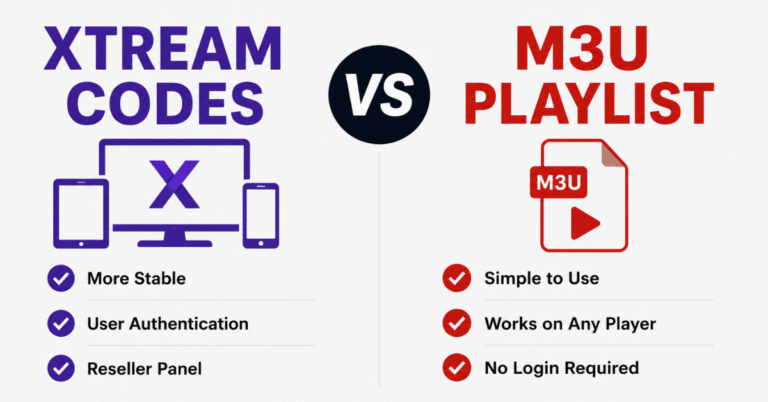
Creating a line is the core daily task inside any IPTV reseller dashboard. You typically choose a username and password, select a bouquet, set the number of allowed connections, and pick a duration. Most panels generate the line within seconds and provide either an M3U link or Xtream Codes login details to hand to the customer.
Managing existing lines is where a dashboard earns its keep over time. You will want to extend a line when a customer renews, suspend one when a payment is disputed, and delete accounts that are no longer active so your reporting stays accurate. A panel that buries these actions behind several clicks will slow down your day-to-day operations far more than the marketing copy usually suggests.
Pro tip: Build a simple naming convention for usernames, such as a customer reference number rather than their real name, so your line list stays organised as your subscriber base grows past a few dozen accounts.
Comparison: Dashboard Access Levels
| Access Level | Typical Permissions | Best Suited For |
|---|---|---|
| Reseller | Create, edit, suspend, delete own lines | Individual resellers managing their own customers |
| Sub-Reseller | Create and manage lines within an allocated credit pool | Reseller networks with delegated staff |
| Master Reseller | Full visibility across sub-reseller activity and credit allocation | Larger operations distributing credits downward |
What Good Reporting Looks Like Inside The Panel
A dashboard without useful reporting leaves you guessing. At minimum, you want a list of lines expiring in the next seven days, a record of which bouquets are most requested, and some indication of concurrent stream activity if the provider’s infrastructure supports it. Providers such as britishreseller.com structure their IPTV Panel reseller reporting around expiry tracking and bouquet usage, which reflects the standard most panels in this space work toward.
Reporting matters because renewals are where most reseller income comes from, not new signups. A dashboard that surfaces expiring lines automatically, rather than requiring you to check manually, saves real time once you are managing more than twenty or thirty active subscribers.
Common Dashboard Problems And What They Usually Mean
New lines not appearing immediately after creation is one of the most frequent issues reported by resellers. This is often a brief propagation delay on the provider’s backend rather than a fault in the dashboard itself, and it typically resolves within a few minutes.
A credits balance that does not match your purchase history usually points to either a delayed payment confirmation or a genuine billing error, and either way it is worth raising with the provider immediately rather than continuing to create lines against an uncertain balance.
Login access failing for the dashboard itself, separate from any subscriber-facing streaming issue, is most often a password or session problem rather than a wider outage. If subscriber streams are down but your dashboard access is fine, the fault sits with the streaming infrastructure rather than the management panel, and a structured approach to diagnosing server issues can help you separate the two quickly before contacting support.
Evaluating A Dashboard Before You Commit Credits
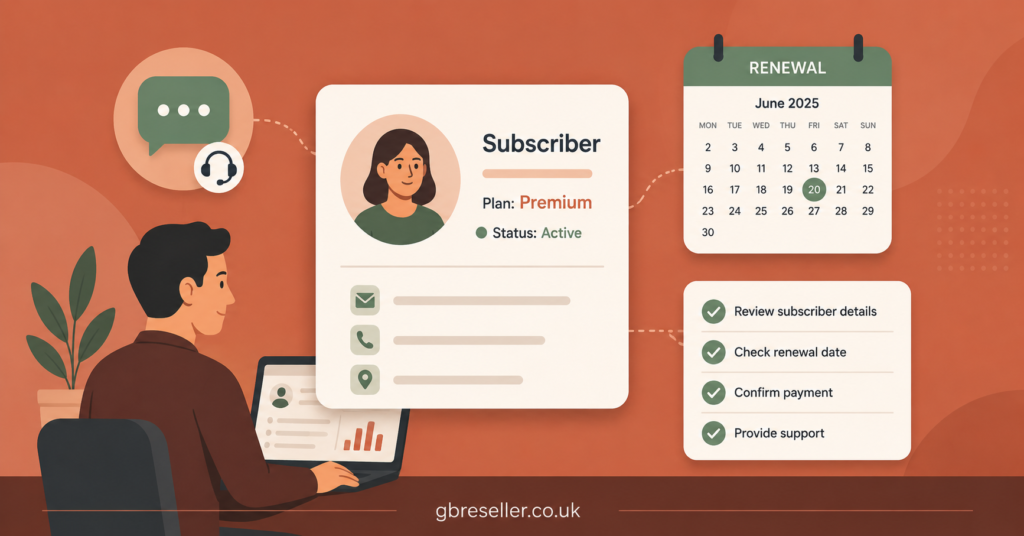
Before buying credits from any provider, a short evaluation saves problems later. Ask whether the dashboard shows real-time credit balances or only end-of-day summaries. Ask how quickly a newly created line becomes active, since providers vary noticeably here. Ask whether suspended lines can be reactivated without losing the remaining subscription period, and ask what permission options exist if you plan to add sub-resellers under your account later.
It is also worth asking directly what happens to your existing lines if you stop purchasing credits. Some panels keep dashboards accessible indefinitely, while others restrict access after a period of inactivity. This is a fair question to put to any provider and one that a transparent business should answer plainly.
Subscriber, Reseller And Sub-Reseller Differences
Subscribers never see a dashboard at all. They receive login credentials for an app or M3U link and interact only with the streaming service itself, so dashboard quality affects them indirectly, through how quickly issues get resolved on the reseller’s side.
Resellers are the primary dashboard users, creating and managing lines, tracking credits, and handling day-to-day customer support. Their main dashboard priorities are speed, accurate reporting and dependable credit tracking.
Sub-resellers typically operate inside a permission structure set by a parent reseller, often with a capped credit allocation and restricted visibility into the wider account. Understanding these boundaries before agreeing to a sub-reseller arrangement avoids confusion later about who owns which customer relationship.
Common Mistakes Resellers Make With Their Dashboard
Overcommitting credits before confirming demand is one of the more frequent errors, tying up capital in unused lines. Skipping the branding setup and then trying to retrofit it later, once dozens of customers already have generic login details, is another. A closer look at common reseller mistakes to avoid covers several of these patterns in more depth, alongside how to sidestep them early rather than after they have already cost time or customers.
Choosing A Credits Package That Matches Your Dashboard Use
Credit packages generally scale with expected subscriber volume, and the range of credit packages available illustrates how pricing per credit typically drops as volume increases. Matching your package size to a realistic subscriber estimate, rather than the largest discount tier, keeps your credits from sitting unused.
Pro tip: Track your actual monthly line creation for the first eight weeks before committing to a larger credit package. Real usage data beats a guess every time.
FAQ
What is an IPTV reseller dashboard used for?
It is the interface resellers use to create subscriber lines, assign channel packages, monitor credits and manage renewals without accessing server infrastructure directly.
Do subscribers ever log into the dashboard?
No. Subscribers use an app or M3U link to stream content. The dashboard is used exclusively by the reseller managing their accounts.
How long does it take for a new line to activate?
This varies by provider, but most panels activate a new line within a few minutes of creation. Longer delays are usually a backend propagation issue rather than a dashboard fault.
Can a sub-reseller see all lines under a master reseller account?
Generally no. Sub-reseller access is usually limited to lines created within their own allocated credit pool, not the full account.
What should I check before buying credits from a new provider?
Confirm how the dashboard reports credit balances, how quickly lines activate, whether suspended lines can be reactivated without losing remaining time, and what support is available if something goes wrong.
Is dashboard access lost if I stop buying credits?
This depends entirely on the provider’s terms. Some retain dashboard access indefinitely, others restrict it after a period of inactivity, so it is worth asking directly before committing.
Conclusion
An IPTV reseller dashboard is, at its core, a management layer that lets you create, price and monitor subscriber lines without needing any server-side expertise. The real differences between providers show up in the details: how fast lines activate, how clear the reporting is, and how well the permission system handles sub-resellers if your business grows in that direction. Before committing credits to any dashboard, it is worth testing it directly with a small batch of lines and confirming how it handles renewals, suspensions and credit tracking under normal daily use.
Subscriber Checklist
- Confirm you have working login details for your streaming app, not the reseller dashboard
- Check which devices are supported before setting up
- Ask your reseller about refund terms before committing to a longer subscription
- Keep your renewal date noted somewhere separate from the service itself
Reseller Checklist
- Test line creation speed with a small batch before buying a large credit package
- Set up branding early rather than retrofitting it once customers already have generic details
- Check reporting shows expiring lines clearly, not just total counts
- Confirm suspension and reactivation rules before you need them
Sub-Reseller Checklist
- Clarify your credit allocation limits with the parent reseller in writing
- Understand which customers you own versus which remain under the parent account
- Confirm your support responsibilities separately from the parent reseller’s
- Ask what happens to your lines if the parent account is closed