
Most people buy a multi connection IPTV plan thinking it means one subscription shared across the whole family. Then a reseller sells five “connections” to a single customer, that customer streams on three TVs at once, and suddenly two of those streams freeze during a Champions League match. The customer blames the service. The reseller blames the panel. Nobody understood what they actually bought.
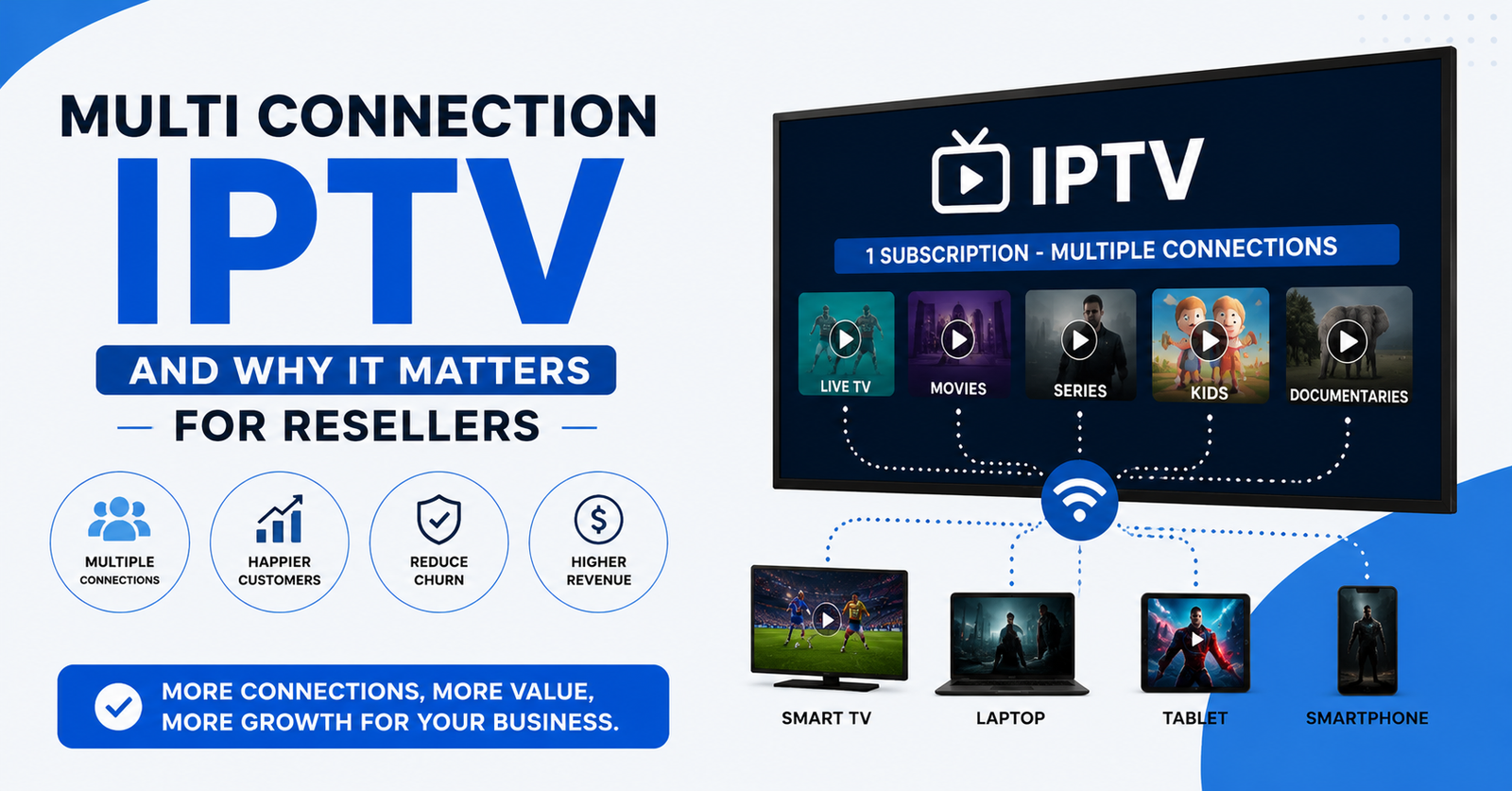
Here’s the short version: multi connection IPTV means a single subscription credential is authorised to run a set number of simultaneous streams. Not devices. Not logins. Streams. A 3-connection line lets three streams play at the same moment — whether on one device or five doesn’t matter, only how many are active at once. If you exceed that limit, the server drops or rejects the extra stream. That’s the whole mechanic, and almost every complaint I’ve handled traces back to people confusing connections with logins.
If you’re a UK IPTV reseller and you’re not pricing around this number deliberately, you’re either bleeding margin or setting up customers to fail. Below is what actually happens behind that connection count, drawn from years of watching panels buckle on match nights.
Connections Are Not Logins — And This Costs Resellers Money
The single most expensive misunderstanding in this business: treating a connection like a device login. They’re unrelated.
A login is the username and password. A connection is a live stream session. One credential on a 2-connection line can be loaded into ten apps across ten devices — the line only fails when a third device tries to play something while two are already streaming. The first two work. The third gets a “connection limit reached” error or silent buffering.
I’ve watched a reseller refund a customer who swore the service was broken. It wasn’t. The customer had IPTV Smarters open on a phone he’d forgotten about, the kid had a stream running upstairs, and the living room TV was the third device hitting a 2-connection wall. Nothing was wrong with the infrastructure. The reseller just never explained the number.
Pro Tip: When a customer reports random freezing on “one TV,” ask how many devices have ever logged in — not how many are on now. Idle apps that auto-reconnect on wake silently eat a connection slot for 30–90 seconds. On a tight line, that’s enough to drop the active stream.
How the Connection Limit Is Actually Enforced
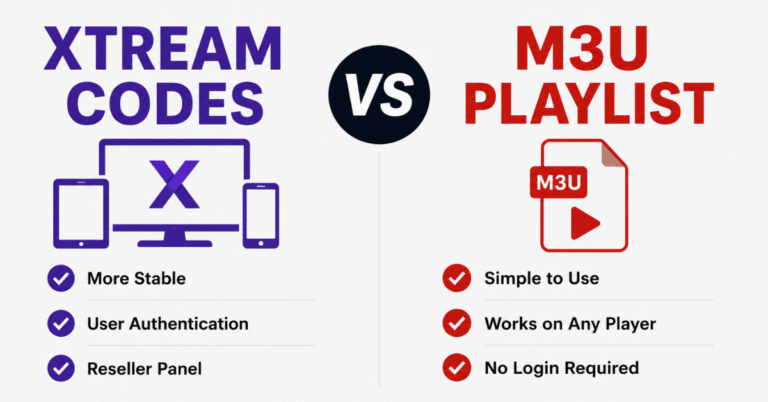
On most Xtream Codes-based panels, the limit lives in the max_connections value attached to each line. The server tracks active sessions in real time. When a player requests a stream, the panel checks current active sessions against the ceiling before granting it.
The enforcement isn’t always instant, and that’s where reseller headaches start:
- Ghost connections — a stream that crashes without a clean disconnect can hold a slot for up to 60 seconds until the session times out
- App reconnect storms — when a network blips, players retry aggressively, briefly stacking sessions
- Channel surfing — fast zapping can open a new session before the old one releases, momentarily doubling the count
This is why a “1 connection” line sometimes appears to allow brief overlap, and why a customer channel-flipping on a single-connection plan gets random “limit reached” messages despite using only one device.
| Connection Count | Realistic Use Case | Common Failure |
|---|---|---|
| 1 | Single viewer, single room | Drops on channel surfing or app reconnects |
| 2 | Couple, occasional second screen | Fails when a forgotten device wakes |
| 3 | Small family, 2–3 active TVs | Peak-event overload if everyone watches separately |
| 5+ | Heavy household or shared line | Often a reseller reselling a line as multiple “subs” |
Why the Number Matters More on Match Nights
Connection limits feel generous 360 days a year. Then a big fixture lands and every member of the household wants the same window of time on a different screen.
During a major sports event, household concurrency spikes hard. A family that normally uses one stream at a time suddenly wants the match in the lounge, a second match on a tablet, and a kid streaming cartoons in another room. A 2-connection line that felt fine all season collapses at 8 PM on a Saturday.
After reviewing hundreds of support requests across our panels, the pattern is brutally consistent: complaint volume on multi connection IPTV lines triples during marquee fixtures, and the overwhelming majority aren’t server faults — they’re concurrency-limit hits the customer doesn’t understand.
Pro Tip: Don’t sell “unlimited” to dodge this conversation. Sell the right number. A family that watches sports separately needs a minimum 3-connection line, and pricing that in upfront prevents the refund request before it happens.
The Reseller Economics of Connection Counts
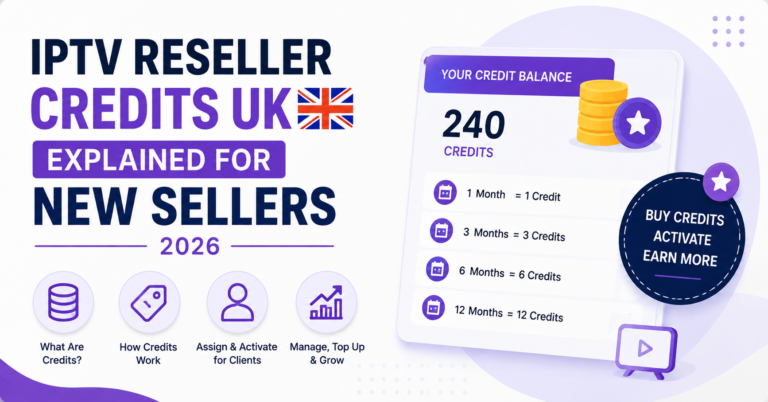
Here’s where panel owners either build margin or destroy it. On a credit-based reseller panel, more connections per line usually costs more credits. The temptation is to undersell the connection count to look cheap.
That’s a false economy. The math from the field:
- Underselling connections → customer hits limits → support tickets spike → churn rises → you lose the renewal that was worth 10x the credit you saved
- Right-sizing connections → customer never sees an error → renews silently → refers family → your credit reseller margin compounds
A sub-reseller in our network learned this the hard way. He pushed 1-connection lines to undercut everyone, won a wave of customers, then lost 40% of them inside two months to “buffering” that was actually concurrency. The IPTV reseller who sold right-sized lines at a slightly higher price kept his base and grew it.
The reseller mistake we see most: competing on price by stripping connections, then absorbing the churn cost invisibly. Panel credits saved on a thin line never offset the lifetime value of a customer who quietly renews.
Pro Tip: For any IPTV business owner, track refund-and-churn reasons by connection count. If your 1-connection lines churn measurably harder than your 2-connection lines, that gap is your pricing answer — raise the floor.
How Infrastructure Shapes What “Multi Connection” Can Actually Deliver
A connection count is only a promise the server can keep if the infrastructure behind it holds. Two providers can both sell a “3-connection” line and deliver wildly different reality.
When three streams run simultaneously off one credential, they may pull from different edge servers depending on DNS routing and load balancing. On a thin single-source setup, three concurrent streams from one household compete with everyone else’s concurrent streams for the same uplink. Add a match-night spike and HLS latency climbs, buffers drain, and the “3 connections” the customer paid for degrade to one watchable stream.
| Thin Infrastructure | Resilient Infrastructure |
|---|---|
| Single source origin | Multiple origin sources |
| No failover | Automatic failover routing |
| One uplink | Backup uplinks / multi-uplink redundancy |
| Static DNS | Geo-routed DNS with load balancing |
| Reactive (fix after outage) | Active monitoring, pre-emptive rerouting |
The connection number on the invoice means nothing if the backend can’t serve those streams concurrently under load. This is the part cheap services hide — they’ll sell you five connections on infrastructure that struggles to deliver two cleanly at peak.
ISP Interference and Why Multi Connection Lines Get Hit First
Heavy concurrent usage from a single credential is exactly the kind of traffic pattern that draws ISP attention. A line running three or four simultaneous streams for hours produces a fingerprint that AI-driven traffic analysis flags more readily than a single intermittent stream.
We noticed unusual ISP behaviour during one enforcement wave: lines configured for higher connection counts, used heavily, hit throttling and DNS poisoning sooner than light single-connection lines on the same network. The volume made them visible.
This doesn’t mean multi connection IPTV is riskier to own — it means the delivery network behind it has to be built for it. Providers running multi-uplink redundancy, rotating DNS, and geo-routing absorb this. Providers on a single static endpoint don’t, and their multi connection customers feel it first.
Pro Tip: If your higher-connection customers report problems on the same nights your single-connection customers are fine, that’s an infrastructure or routing signature being targeted — not a server capacity problem. Different fix entirely.
Setting Up a Multi Connection IPTV Line the Right Way
Most setup failures aren’t technical — they’re expectation failures. Here’s the process that prevents the ticket.
Step by step for a clean multi connection IPTV deployment:
- Confirm real concurrency need — ask how many screens the household watches at the same time, not how many devices they own
- Add a buffer of one — a family that uses two streams should get three, to absorb idle reconnects and ghost sessions
- Set the credential on every device once — the same login goes on all devices; the connection count governs simultaneous play
- Explain the number out loud — tell the customer explicitly: “Three screens at once, no more” prevents 80% of confusion tickets
- Test concurrency before handoff — run the max number of streams yourself before the customer ever touches it
A mistake we repeatedly see: resellers set up the line, confirm one stream works, and ship it. The customer discovers the concurrency limit alone, at peak, with no explanation. That’s a refund waiting to happen.
FAQ
What is multi connection IPTV in simple terms?
Multi connection IPTV is a single subscription that’s authorised to run a set number of streams at the same time. A 3-connection line plays three streams simultaneously across any of your devices. It governs concurrent streams, not how many devices you install the login on or how many people have the password.
How many connections does multi connection IPTV need for a family?
For most families, three connections is the practical floor. Two often feels enough until a sports night or a second viewer wakes a forgotten device. Buying one connection above your normal concurrent use absorbs idle reconnects and ghost sessions, which is the cheapest insurance against random freezing complaints.
Why does my stream freeze if I only use one TV?
Usually because another device is silently holding a connection. Phones and tablets with the IPTV app open often auto-reconnect on wake, eating a slot for up to 90 seconds. On a tight line, that drops your active TV stream. Check every device that’s ever logged in, not just the one in use.
Is multi connection IPTV better for resellers to sell?
Yes, when right-sized. For an IPTV reseller, selling the correct connection count cuts support tickets and churn far more than it costs in panel credits. Underselling connections to look cheap is the most common reseller mistake — the saved credits never cover the lost renewal from a frustrated customer.
Does a higher connection count get blocked by ISPs faster?
Heavy concurrent usage from one credential produces a clearer traffic fingerprint, which AI-driven ISP analysis can flag sooner. The risk isn’t the connection count itself — it’s whether the provider runs multi-uplink redundancy and rotating DNS to absorb scrutiny. Well-built networks handle high concurrency without exposing customers.
Can I share one multi connection IPTV line across two houses?
Technically the login works anywhere, but you’re sharing the same connection pool. If both houses stream simultaneously, you’ll hit the limit faster and both locations may see drops. For a reseller, two separate right-sized lines almost always serve customers better than one stretched across locations.
What happens when I exceed my connection limit?
The server rejects or drops the extra stream. You’ll see a “connection limit reached” message, an unrecoverable buffer, or a stream that won’t load while others play fine. Closing an unused stream on another device frees the slot immediately. Nothing breaks permanently — the limit simply does its job.
Action Checklists
For Subscribers:
- Count how many screens you actually watch at the same time, not how many devices you own
- Buy one connection above that number
- Log out of apps on devices you’re not using if streams drop
- Check forgotten phones and tablets before reporting a freeze
- Test all your streams at once before a big match night
For Resellers:
- Set
max_connectionsto real concurrency need plus one buffer slot - Explain the connection number to every customer out loud at handoff
- Track churn and refunds by connection count to find your pricing floor
- Stop competing on price by stripping connections — right-size instead
- Test the full connection count yourself before handing the line over
For Sub-Resellers:
- Don’t undercut by selling 1-connection lines you know will fail at peak
- Pass the concurrency explanation down to your own customers
- Watch which connection tiers churn hardest and adjust your offers
- Confirm your upstream panel owner runs redundancy before promising stability
- Keep a small panel credits buffer for upgrading customers who outgrow their line
A connection count is not a feature spec — it’s a promise about concurrency that only matters under load, and the load always comes on the night that matters most. Right-size the number, explain it plainly, and build on infrastructure that can actually serve those streams when the whole household wants the same hour. For UK IPTV resellers choosing where to anchor that promise, providers with genuine redundancy like British Seller are the difference between a line that holds at peak and one that fails when your customer is watching most closely.
The lesson underneath all of it: most “broken service” complaints on multi connection IPTV aren’t infrastructure failures at all — they’re a number nobody explained. Fix the explanation and the right-sizing, and the majority of your tickets disappear before they’re ever written.