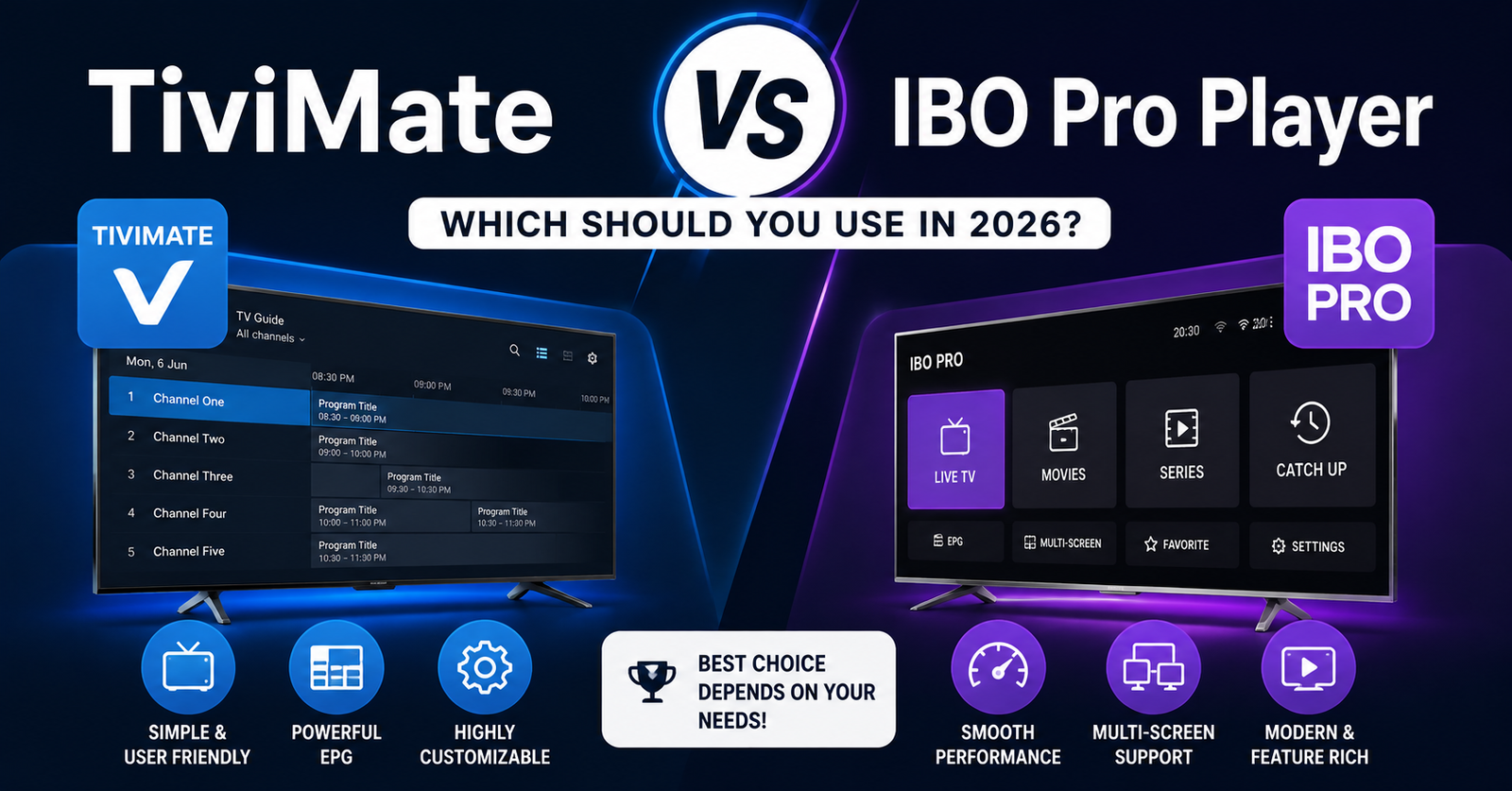

If you are weighing up TiviMate vs IBO Pro Player, the short answer depends almost entirely on what device you watch on. TiviMate is built for Android boxes, Fire TV Stick and Android TV, and it has the stronger EPG, multi-playlist handling and DVR style recording. IBO Pro Player runs natively on far more hardware, including Samsung Tizen and LG webOS Smart TVs, Apple TV and iOS, but it trades away some of TiviMate’s advanced features for that reach. Neither app includes any channels itself. Both simply play back an M3U playlist or Xtream Codes login supplied by your IPTV panel or reseller.
What TiviMate and IBO Pro Player Actually Do
Both apps are playback interfaces, not content providers. You enter a playlist URL or Xtream Codes server address, username and password, and the app organises whatever channels and video on demand content that login provides into a browsable guide. This is worth repeating because it explains why picture quality, channel count and buffering behaviour are almost never the app’s fault. If a stream freezes or a channel drops, the more likely causes are the connection between your device and the panel server, your home broadband, or the panel itself, not which player you happen to be using.
Where the two apps genuinely differ is in interface design, electronic programme guide depth, device compatibility, and a handful of extra features that matter more to some households than others.
TiviMate vs IBO Pro Player: Where Each One Runs
This is the single biggest factor in choosing between them, so it belongs first.
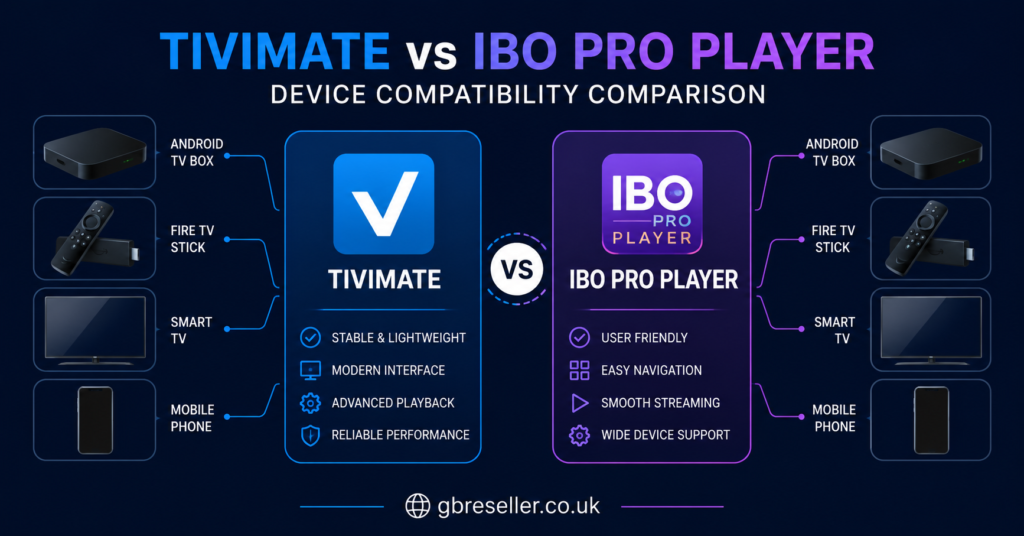
TiviMate is an Android application. It runs well on Android TV boxes, Fire TV Stick and Fire TV Cube through sideloading, and Android phones and tablets. It does not run natively on Samsung Tizen or LG webOS Smart TVs, and there is no official Apple TV or iOS version.
IBO Pro Player has the wider reach. It installs natively on Samsung Tizen, LG webOS, Apple TV, Android TV, iOS and, on Fire Stick, through sideloading rather than the Amazon Appstore. For a household with a Samsung or LG Smart TV as the main screen, IBO Pro Player is usually the simpler starting point because there is no need to sideload anything.
Pro tip: Before choosing an app, check what your main viewing device actually supports natively. Sideloading is not difficult, but it is an extra step that puts some people off, especially on a first setup.
Electronic Programme Guide and Everyday Usability
TiviMate’s grid style guide is generally regarded as the more detailed of the two. It supports multi-day EPG data where the source provides it, full-text search across channels, reminders before a programme starts, and the ability to combine several playlists or Xtream Codes accounts into a single guide. Multi-view, showing several channels on screen at once, is also a TiviMate feature that IBO Pro Player does not offer on any platform.
IBO Pro Player takes a simpler approach. Content is organised into tabs (Live TV, Movies, Series, Catch-up, Settings), with a tile-based layout designed to be easy to navigate with a basic remote control. This makes it a comfortable choice for less technical household members, but it is a narrower feature set than TiviMate for anyone who wants to search, filter, or manage multiple playlists at once.
IBO Pro Player vs TiviMate for VOD and Catch-Up
Both apps display video on demand and catch-up TV when the connected panel provides it, since this content comes from the subscription, not the app. IBO Pro Player’s tabbed layout separates movies and series clearly, but some users report that continue-watching and automatic episode progression are inconsistent. TiviMate’s VOD handling is functional rather than a standout feature, and its main strength remains live TV and EPG rather than binge-watching structure.
Neither app should be judged on VOD polish alone if live channels are your main use case.
Recording, Extras and Paid Tiers
TiviMate offers a premium tier that unlocks features such as parental controls, multiple user profiles, external player integration, and DVR style recording of live channels to local storage. This recording capability is one of TiviMate’s clearer advantages, since IBO Pro Player does not currently offer local recording of live TV.
IBO Pro Player’s paid element tends to work differently, often billed per device or per activation rather than as a single account subscription, so the actual cost depends on how many screens in the household need it. Because pricing structures and free-tier limits change and vary by version, it is worth checking the current terms directly on each app’s own store listing or official page before deciding, rather than relying on older reviews.
| Feature | TiviMate | IBO Pro Player |
|---|---|---|
| Best native platforms | Fire TV, Android TV, Android | Samsung, LG, Apple TV, iOS |
| EPG depth | Stronger, multi-day, search | Simpler, tabbed layout |
| Live recording | Available on premium tier | Not currently available |
| Multi-view | Yes | No |
Choosing Based on Your Household, Not the App’s Reputation
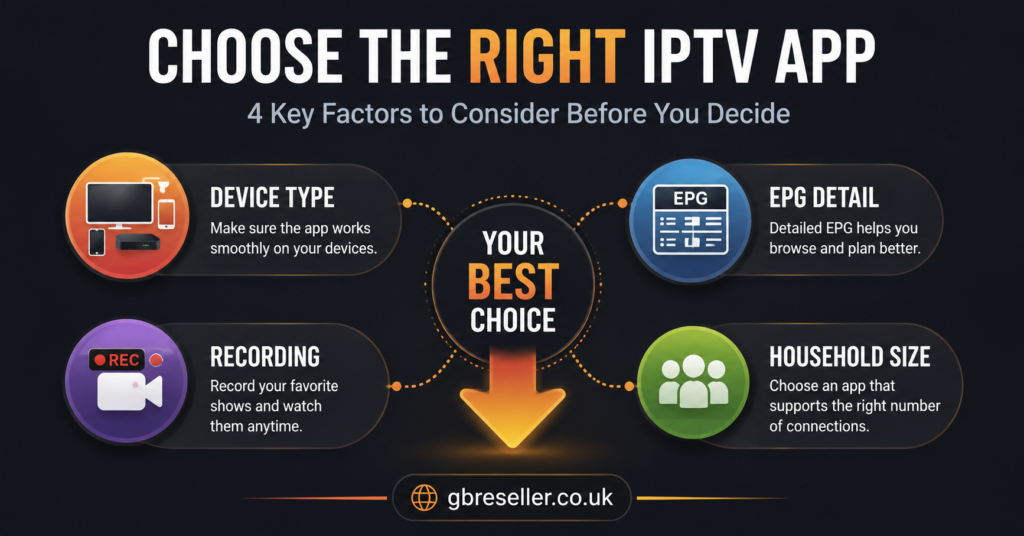
A single reviewer’s favourite app is not automatically the right one for a specific home. A few honest questions help narrow it down faster than reading another ranked list.
- Is the main screen a Samsung or LG Smart TV, or an Android box and Fire Stick?
- Does anyone in the household want to record live channels to watch later?
- Will more than one person need to browse different content at the same time?
- Is the person setting it up comfortable sideloading an app, or do they need a store install?
- Are there multiple devices in the house that all need the same login and layout?
If the answers point towards Smart TVs, simplicity and consistency across devices, IBO Pro Player tends to fit better. If they point towards a Fire Stick or Android TV box, a detailed guide, and the option to record live TV, TiviMate is usually the stronger match.
Subscriber View vs Reseller View
For a subscriber, the decision mostly comes down to device compatibility and how much control over the guide actually matters day to day. Most people who ask which app to use have already chosen their TV or streaming box, so the practical answer is whichever app runs natively on that hardware without extra steps.
For anyone running an IPTV Reseller Dashboard and fielding player app questions from subscribers, it helps to have a short, consistent answer ready rather than debating app preferences case by case. Most support tickets about “which app should I use” resolve quickly once the customer’s device is known, since both apps accept the same M3U or Xtream Codes login supplied through the panel.
Pro tip: Keep a simple one-page note for support staff listing which app to recommend for Samsung, LG, Fire Stick and Android TV. It cuts repeat questions down significantly.
Common Mistakes When Comparing These Two Apps
A few habits lead people to the wrong conclusion when researching TiviMate vs IBO Pro Player.
Assuming one app affects channel quality more than the other. It does not. Both display whatever the subscription server sends.
Choosing based on a review written for a different device category, such as a Fire Stick focused comparison being applied to a Samsung Tizen setup where the conclusions do not carry over.
Ignoring sideloading requirements until after purchase, then being surprised that an app is not available through the expected store on a particular device.
Overvaluing recording or multi-view features that a household will realistically never use, while undervaluing simple day to day navigation.
A Note on Legitimate Use
IPTV is a delivery technology. TiviMate and IBO Pro Player are simply the interface that displays whatever a subscription server sends, so neither app makes a service legitimate or otherwise. Legality depends on whether the underlying content is being distributed with proper rights and permission, not on which player app is installed. Before subscribing to any service, it is worth checking that the provider is transparent about its business details, terms and refund policy, since that transparency says more about how a service is run than app choice ever will. For general background on evaluating IPTV Reseller Panel Features, the same transparency principle applies to panels as it does to the apps sitting on top of them.
FAQ
Does TiviMate or IBO Pro Player affect channel quality?
No. Both apps play back whatever a subscription server sends. Picture quality and buffering depend on the panel’s infrastructure and your internet connection, not the app.
Can I use TiviMate on a Samsung or LG Smart TV?
Not natively. TiviMate is built for Android based devices such as Fire TV Stick, Android TV boxes and Android phones. IBO Pro Player is the more direct option for Samsung Tizen and LG webOS.
Does IBO Pro Player support recording live TV?
Not currently. TiviMate’s premium tier offers local recording of live channels, which is one of its clearer advantages over IBO Pro Player.
Do I need to buy channels separately for either app?
No. Both apps require a playlist URL or Xtream Codes login from an IPTV panel or reseller. Neither app sells or includes content on its own.
Which app is easier for a non-technical family member to use?
IBO Pro Player’s tabbed, tile-based layout is generally considered simpler for less technical users, particularly on Smart TVs where no sideloading is needed.
Can I switch between TiviMate and IBO Pro Player without changing my subscription?
Yes. Since both apps use the same playlist or Xtream Codes credentials, switching apps does not require a new subscription, only re-entering the same login details.