
If you want IPTV running in more than one room, the short answer is that most UK IPTV subscriptions already allow multiple devices to stream at once, but the real limit is usually your router and your provider’s connection allowance, not the technology itself. A proper Multi-Room IPTV Setup Guide for UK households starts with checking how many simultaneous streams your subscription permits, then matching that number to how many rooms you actually plan to use at the same time. Get that part wrong and you’ll see buffering, login errors, or a stream that kicks another room off, even on a perfectly good internet connection.
Table of Contents
ToggleWhat Multi-Room IPTV Actually Means
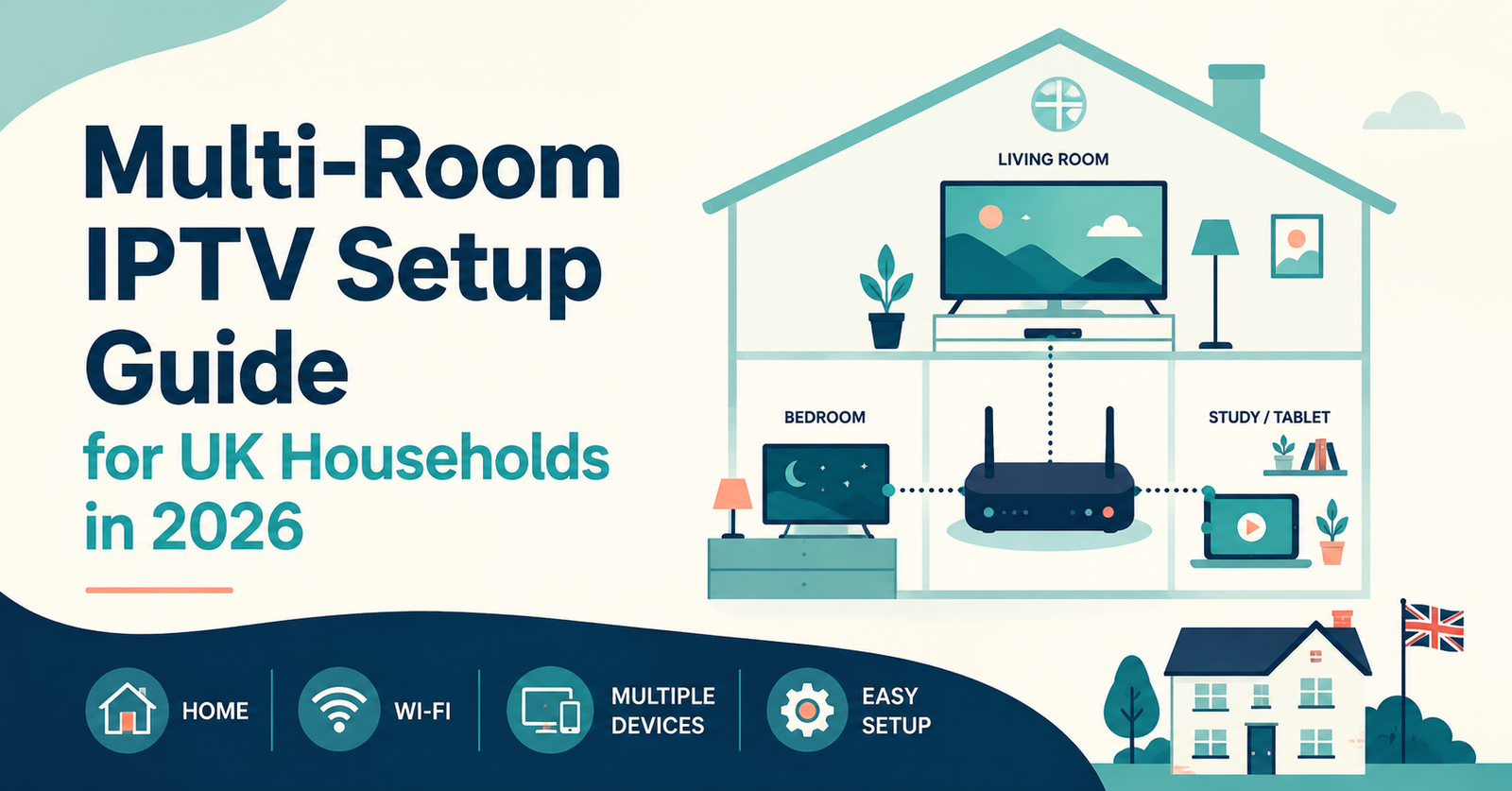
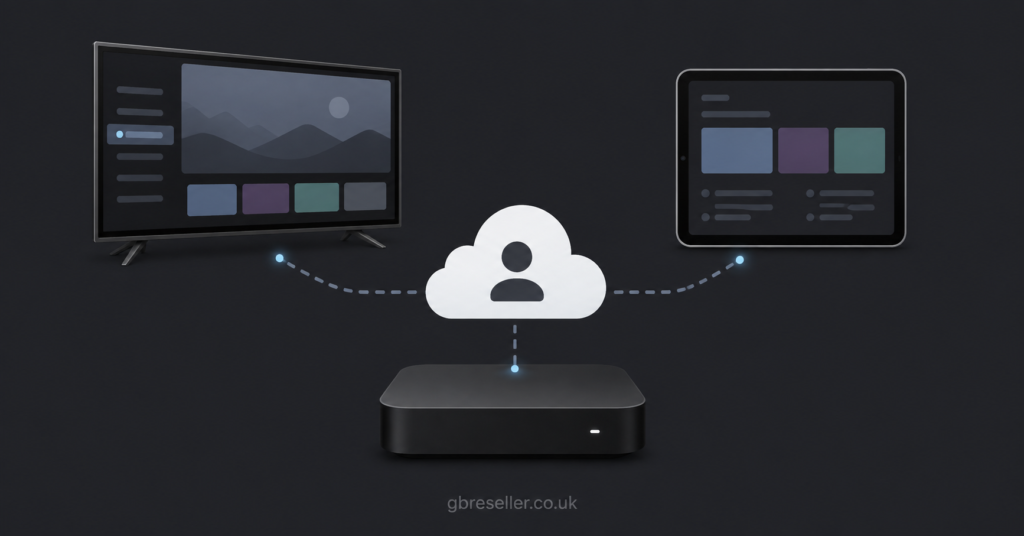
Multi-room IPTV is simply running the same subscription across two or more televisions, boxes, or apps in different parts of the house at the same time. It’s different from having IPTV in one room and occasionally casting to another. True multi-room use means separate devices, in separate rooms, potentially watching separate channels, all pulling from the same account simultaneously.
This matters because IPTV works differently from a traditional satellite dish feeding several boxes off one signal. With IPTV, every device is making its own independent connection over the internet to the provider’s servers. Each of those connections counts against whatever “connections” or “device limit” your subscription includes. Some UK providers allow two simultaneous streams as standard, others allow more, and this figure is the single most important thing to check before assuming multi-room will work out of the box.
Pro tip: Before buying or upgrading anything, message your provider and ask directly how many simultaneous connections your specific plan supports. Don’t assume it matches what’s advertised on the homepage, since some listings describe device compatibility rather than simultaneous stream limits.
Checking Your Connection Limit Before You Start
Every IPTV subscription has a stated number of simultaneous connections, sometimes called multi-connection or multi-screen support. This number tells you how many rooms can genuinely stream at once without one device disconnecting another.
A household with three people wanting IPTV in the living room, a bedroom, and a kitchen needs a plan that supports at least three simultaneous connections, not three separate app installs on a single-connection account. Installing the same login on multiple boxes without the matching connection allowance is the most common reason people think their IPTV service is “broken” when it’s actually working exactly as licensed.
If you’re unsure what you currently have, check your original order confirmation or ask support to confirm it in writing. This avoids a situation where you buy new hardware for a second or third room, only to find the subscription itself was never designed for that many screens.
Router and Bandwidth Considerations
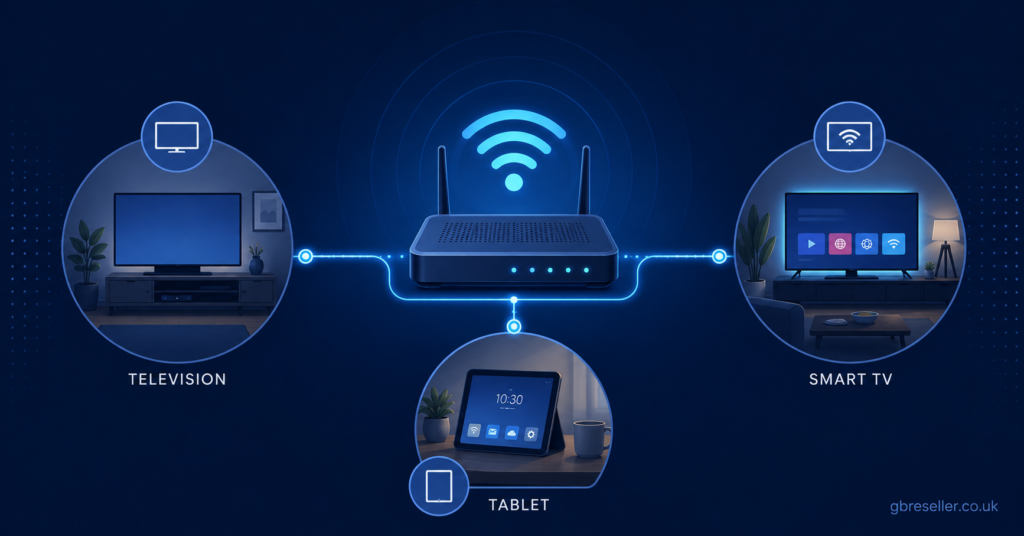
Multi-Room IPTV Setup Guide for UK planning has to include your home network, because this is where most multi-room problems actually originate. Each simultaneous IPTV stream in HD or 4K uses a meaningful chunk of your internet bandwidth, and unlike a single-room setup, multi-room use adds these demands together at the same time.
A single 4K stream typically needs a noticeably higher sustained speed than an HD stream, and if two or three rooms are all watching in 4K during peak evening hours, your router and your broadband package both need enough headroom to handle that combined load, plus whatever else is happening on the network, such as video calls, gaming, or general browsing.
Wi-Fi range is the other common weak point. A box in a spare bedroom or converted garage might sit at the edge of your router’s signal, which causes pixelation and buffering that has nothing to do with your IPTV provider. Wired connections, or a mesh Wi-Fi system with dedicated access points in each room, resolve this far more reliably than trying to boost signal strength alone.
| Basic Setup | Better Setup |
|---|---|
| Single router, Wi-Fi only, all rooms on shared signal | Mesh Wi-Fi or wired Ethernet to each streaming device |
| One connection tier shared across all rooms | Connection limit matched to actual number of active rooms |
| Same box model in every room regardless of distance from router | Wired or high-gain devices in rooms furthest from the router |
Pro tip: Run a wired Ethernet connection to at least the room furthest from your router if that room streams regularly. It’s a one-off job that solves buffering more reliably than repeatedly restarting the box.
Choosing Devices for Each Room
Not every room needs the same type of device, and matching the device to the room’s use often works better than buying identical boxes for every space.
A living room used for evening viewing benefits from a proper Android box or a smart TV app for a stable, larger-screen experience. A bedroom or kitchen used more casually might work fine with a Firestick or a phone screen mirrored occasionally. MAG boxes and Formuler devices remain common choices among UK IPTV subscribers who want a dedicated, always-on box rather than switching inputs on a shared TV.
Whatever device you choose, confirm it supports either M3U playlists or Xtream Codes, since these are the two formats almost all UK IPTV panels use. A device that only supports one format can limit which provider apps you’re able to install later, which matters if you ever switch providers.
| Option | Best For | Limitation |
|---|---|---|
| Firestick or Fire TV Cube | Casual rooms, guest rooms, secondary bedrooms | Shared app store restrictions on some sideloaded apps |
| Android TV Box | Main living room, heavier daily use | Requires occasional app updates and maintenance |
| Smart TV built-in app | Simplicity, no extra hardware | App availability varies by TV brand and model |
| MAG or Formuler box | Dedicated long-term IPTV setups | Higher upfront cost than a Firestick |
Step-by-Step Setup for a Second or Third Room
Setting up an additional room follows a fairly consistent sequence regardless of which provider or device you’re using.
- Confirm your subscription’s simultaneous connection limit covers the new room, upgrading first if it doesn’t.
- Check the new room’s Wi-Fi signal strength or run a wired Ethernet cable if the room is far from the router.
- Install the provider’s app, or set up the M3U playlist or Xtream Codes login, on the new device.
- Test the stream during peak evening hours, not just during the day, since evening congestion is when problems usually surface.
- Confirm that watching in the new room doesn’t disconnect or degrade the stream in an existing room.
If step five causes issues, the connection limit is almost always the cause, not the device or the app itself.
Pro tip: Test all rooms streaming simultaneously before considering the setup finished. A single room can look perfect on its own and still reveal problems the moment a second or third room joins in.
Subscriber Guidance for Multi-Room Households
For subscribers, the priority is matching your plan honestly to how your household actually watches TV, rather than to how you think you might use it occasionally. If three people regularly watch different channels at the same time, buy a plan built for three connections rather than hoping a two-connection plan stretches further than it’s designed to.
Pricing clarity matters here too. Ask whether the provider’s stated price already includes your required number of connections, or whether multi-room access costs extra. Some UK providers, illustratively including a provider such as Skip This, structure pricing around a base number of connections with an additional cost to add more, so it’s worth confirming this before committing rather than assuming multi-room is automatically included at the advertised rate.
Refund terms are also worth checking specifically for multi-room setups, since a provider’s general refund policy may not clearly cover a scenario where the issue only appears once multiple rooms are active at the same time.
Reseller Guidance: Supporting Multi-Room Customers
For resellers, multi-room requests from customers are common and worth handling with a bit more documentation than a single-device sale. When a customer asks for IPTV across two or three rooms, confirm and record the number of simultaneous connections you’re activating for them, and be clear about what happens if they later add a fourth room without upgrading.
Panel dashboards typically show connection counts per subscriber line, so checking this before troubleshooting a “buffering” complaint can save time, since the actual cause is frequently a customer who added an extra device without informing you. Keeping this documented also protects you if a customer later disputes what was agreed at the point of sale.
Scalability matters too. If you expect a growing number of multi-room households among your customer base, working with IPTV reseller credit packages that suit varying connection requirements makes it easier to serve both single-room and multi-room customers without constantly renegotiating terms.
Common Mistakes That Break Multi-Room Setups
A few recurring mistakes account for most multi-room complaints. Buying extra streaming boxes without first checking or upgrading the connection limit is the single biggest one, since the hardware works fine but the subscription simply wasn’t built for that many simultaneous streams.
Placing a device in a room with weak Wi-Fi and blaming the IPTV service for buffering is another frequent issue, when the real fix is a wired connection or a mesh extender rather than switching providers. Assuming every room needs identical, top-tier hardware is a third mistake, since a casual second bedroom rarely needs the same setup as a main living room used every evening.
Finally, skipping a peak-time test is easy to overlook but important. A setup that streams cleanly at 2pm on a Tuesday can behave very differently at 8pm on a Saturday when household and neighbourhood internet demand is highest.
Is IPTV Legal to Use in Multiple Rooms?
This question comes up often, and it’s worth answering plainly. IPTV itself is simply a delivery technology, a method of sending television content over the internet rather than through satellite or cable. Whether a specific service is operating legitimately depends entirely on whether the content being distributed has proper rights and licensing, not on how many rooms or devices it’s watched in.
Running a legitimate, properly licensed IPTV subscription across multiple rooms in your own home is no different, legally, from running it in one room. What matters is choosing a provider that’s transparent about its business, gives clear terms of service, and is straightforward to contact, rather than one that avoids basic business information. A professional-looking website or accepted payment method alone doesn’t confirm legality, so checking a provider’s transparency around business registration and terms remains a sensible step regardless of how many rooms you plan to use.
Visible FAQ
Can I use one IPTV subscription in two different rooms at once?
Yes, as long as your subscription’s simultaneous connection limit covers two active streams. If your plan only allows one connection, using it in two rooms at once will typically log one device out or cause repeated disconnections.
Do I need a separate subscription for each room?
Not necessarily. Many UK IPTV plans support multiple simultaneous connections under one subscription, so you often just need your plan to match the number of rooms actively streaming, rather than buying an entirely separate subscription per room.
Why does my second room keep buffering even though the first room works fine?
This is usually caused by weak Wi-Fi signal in the second room, insufficient bandwidth for both streams running at once, or a connection limit that’s being exceeded. Checking Wi-Fi strength and confirming your connection allowance are the first two things to rule out.
What internet speed do I need for multi-room IPTV?
There’s no single fixed number that applies to every household, since it depends on how many rooms are streaming simultaneously and in what quality. As a general principle, each additional simultaneous HD or 4K stream adds meaningfully to your required bandwidth, so a household running three rooms in 4K needs considerably more headroom than one room alone.
Can resellers offer multi-room packages to customers?
Yes, many reseller panels allow you to set the number of simultaneous connections per subscriber line, making it straightforward to offer multi-room packages. Confirming and documenting the agreed connection count at the point of sale helps avoid later disputes.
Conclusion
Getting multi-room IPTV working reliably across a UK household comes down to three things lining up together: a subscription with enough simultaneous connections, a router and network that can handle the combined bandwidth, and devices suited to how each room is actually used. This Multi-Room IPTV Setup Guide for UK households isn’t about finding one perfect box or one perfect provider, since the same setup can work brilliantly in one home and struggle in another depending on internet speed, Wi-Fi coverage, and how many rooms are streaming at once.
If buffering or disconnections show up once you add a second or third room, start by checking your connection limit and your Wi-Fi signal before assuming the service itself is at fault. For anyone still comparing plans or panels for a multi-room household, the IPTV Reseller panel features page and the reseller guides section are useful starting points for understanding what different setups actually support.
Setup Checklist
- Confirm your subscription’s exact simultaneous connection limit before adding any room
- Match the number of active rooms to that connection limit, upgrading if needed
- Check Wi-Fi signal strength in every room, especially those furthest from the router
- Use wired Ethernet or a mesh system for rooms with weak or inconsistent signal
- Choose device types based on how each room is actually used, not identical hardware everywhere
- Confirm each device supports M3U or Xtream Codes before installing
- Test all rooms streaming at the same time, including during peak evening hours
- Ask your provider directly whether multi-room access is included or costs extra
- For resellers, document the agreed connection count per subscriber line at the point of sale