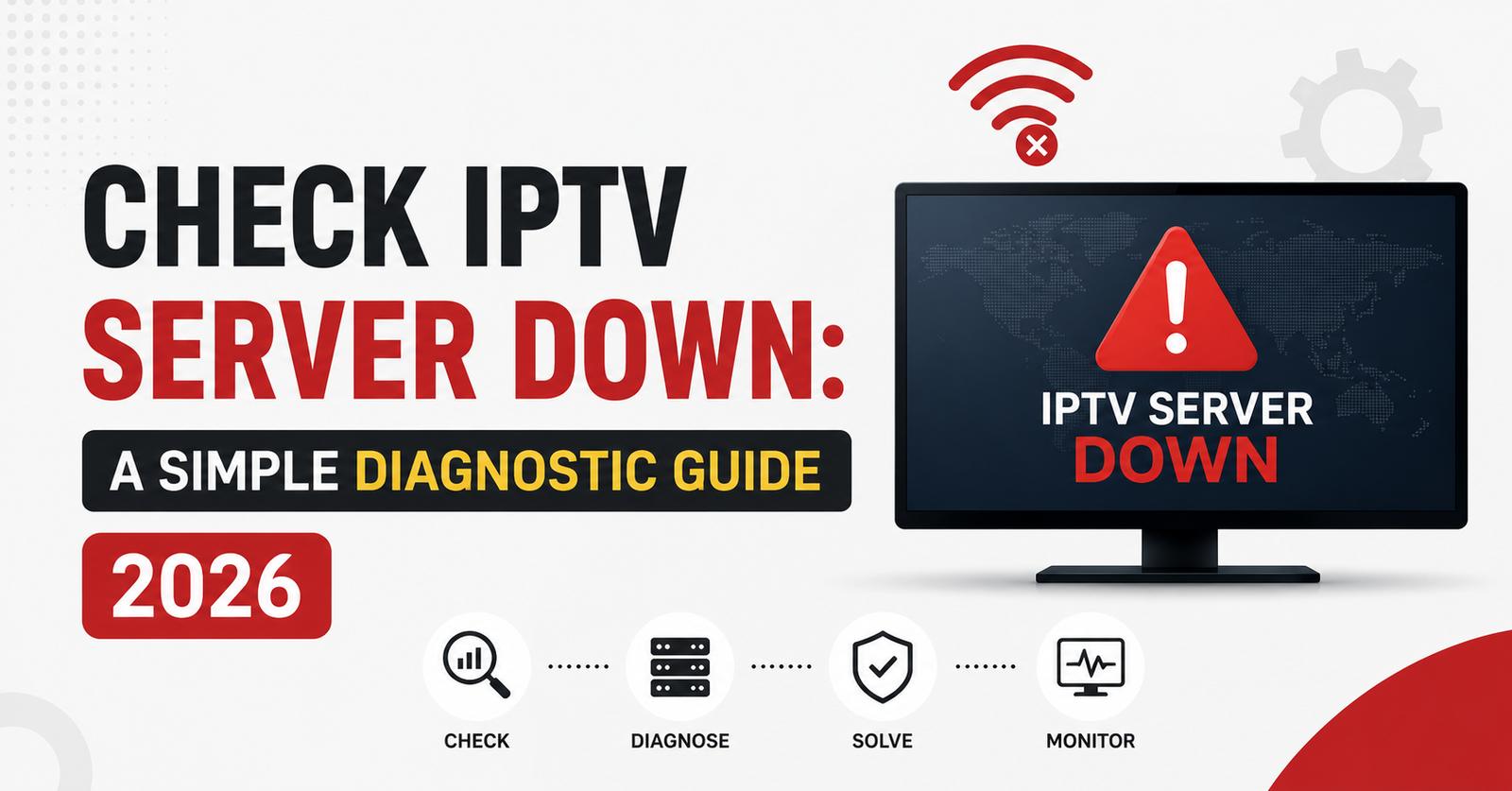

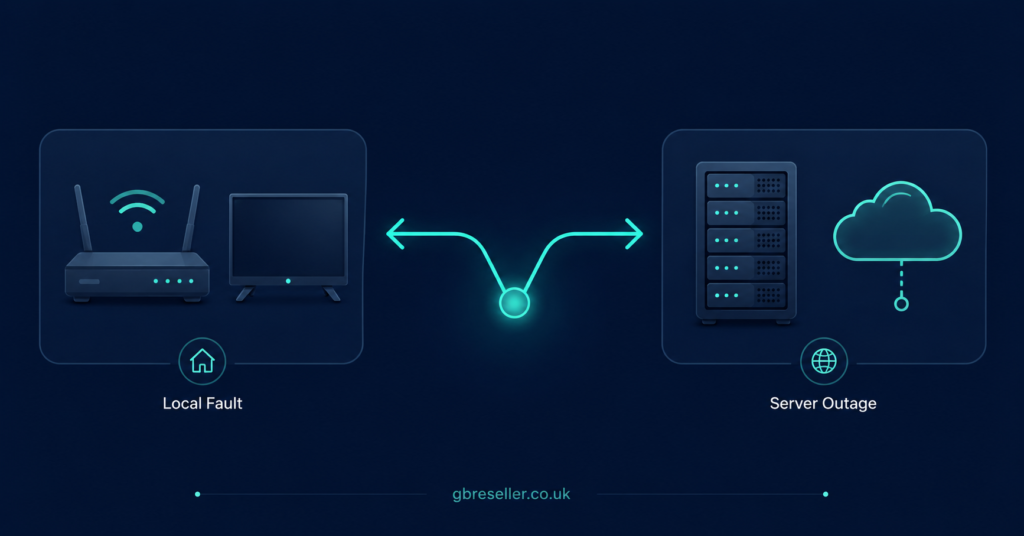
If you want to check IPTV server down status, the honest answer is that you cannot confirm it from a single failing stream. A server outage affects many users at once, across different networks and devices. So the fastest way to find out is to work outwards from your own setup: test a second channel, a second device, a second network, and then check whether other customers on the same panel are reporting the same thing at the same time. If the fault follows you from device to device and network to network, and other people on the same line are affected too, you are probably looking at a server-side problem. If it does not, the cause is almost certainly closer to home.
Why “the server is down” is usually the wrong first guess
Most streaming failures are not outages. They are local. A router that has been up for six weeks, an app cache that has quietly filled up, an expired line, a DNS setting that stopped resolving, a device that ran out of memory during a long session. All of these produce symptoms that look identical to a server going offline: a black screen, an endless loading spinner, an error code, a stream that plays for ten seconds and stops.
The trouble is that a genuine outage and a local fault feel exactly the same to the person watching. That is why guessing costs money. A UK IPTV Panel reseller who assumes the server is down will open a ticket, wait for a reply, and tell the customer to sit tight. If the actual problem was a router that needed restarting, everybody has wasted an afternoon.
Working through a fixed sequence removes the guesswork. It also gives you something useful to send upstream if the problem really is server-side.
The five-minute diagnostic sequence
Run these in order. Stop as soon as something works, because that tells you where the fault lives.
Step one: test a second stream on the same device. If one stream fails and another plays instantly, the server is up. Individual sources go down independently of the platform hosting them. This is the single most useful test and it takes fifteen seconds.
Step two: restart the app, then the device. Not close and reopen. Force stop, clear the app cache if the platform allows it, and reboot the hardware. Set-top boxes and streaming sticks accumulate memory pressure over long uptimes and will start dropping playback long before they crash outright.
Step three: restart the router. Leave it off for thirty seconds, not three. This clears the routing table and forces a fresh connection. If the customer’s connection has been up for weeks, this alone resolves a surprising share of “sudden” faults.
Step four: change the network. Tether the device to a mobile hotspot. If everything works on mobile data but fails on the home broadband, the server is fine and the problem is the local network, the ISP path, or something on the router itself. This is the test that separates “my internet is broken” from “the service is broken”, and most people never run it.
Step five: test a second device. A phone, a laptop, a tablet, anything that can run the same line. If the second device plays without issue, the first device is the fault.
Step six: test a second line. IPTV Panel Resellers can do this and customers cannot. Load a different active account on the same panel. If your test line works and the customer’s line does not, the platform is running and the issue is with that specific account: it may have expired, hit a connection limit, or been locked.
Pro tip: Keep one spare test line permanently active on your own device, and never sell it. It costs you a credit and it will save you hours. The moment a customer reports a fault, you can distinguish between “their account” and “the platform” in under a minute, without waiting for anyone to reply to you.
Signs that point towards a real outage
Once you have run the sequence, a genuine server-side problem tends to announce itself in a fairly recognisable pattern.
Multiple unrelated customers report the same symptom inside a short window. That is the strongest signal you will get. One person complaining is noise; four people on different ISPs, different devices and different parts of the country complaining within twenty minutes is a pattern.
Your own test line fails too, on a network you know is healthy. If you can reach other websites and services normally but the platform will not respond, that narrows things considerably.
Everything fails rather than one thing. A single dead stream is routine maintenance or a source issue. An entire category going dark at once, or the whole line refusing to authenticate, sits much higher up the stack.
The panel itself becomes slow or unreachable. If your management dashboard will not load or times out on login, you are looking at infrastructure rather than content.
Signs that point away from an outage
Equally, some patterns should stop you escalating.
The fault is limited to one customer. If every other line you test is healthy, the platform is not down, whatever that customer believes.
It only breaks at certain times of day. Evening degradation is usually congestion, either on the customer’s own broadband or somewhere along the route. That is a capacity conversation, not an outage report.
It only affects one device in the house. Ageing hardware, a full cache, an outdated app version, or a device that simply does not have the horsepower for higher-bitrate streams.
It started immediately after a change. A new router, a new app version, a firmware update, a VPN that got switched on. Ask what changed. People rarely volunteer it because they do not connect the two events.
| Symptom | Likely local | Likely server |
|---|---|---|
| One stream fails | Yes | No |
| All streams fail on all your test lines | No | Yes |
| Works on mobile data | Yes | No |
| Panel login times out | No | Yes |
| Only fails in the evening | Yes | Rarely |
How to check server status without guessing
There is no universal public status page for this sector the way there is for large cloud providers, so you are mostly assembling evidence yourself.
Check the provider’s own channels first. Some publish maintenance notices or status updates in the panel dashboard, by email, or through a support channel. If your provider does not communicate outages at all, that is worth knowing before you build a business on top of them.
Check whether the panel domain resolves and responds. If the dashboard loads normally but streams do not play, the problem is narrower than “the server is down”. If the dashboard itself will not load, that is a bigger signal.
Compare against other resellers if you have contacts. Nobody enjoys admitting their service is down, but a quick message to someone else on the same platform will confirm or kill your theory faster than a support ticket.
And be honest about the limits of your own evidence. You cannot see inside someone else’s infrastructure. You are inferring from the outside, and inference is sometimes wrong. Say “it looks like a platform issue” rather than telling a customer the server is definitely down, because if you are wrong you have handed them a reason to distrust you later.
Pro tip: Log every outage you believe you have identified: the time, the symptoms, how many customers were affected, and how long recovery took. After three or four months you will have a genuine picture of your provider’s reliability rather than a feeling. That record is also the only credible thing you can put in front of a provider when you want a serious conversation about service quality.
What to send your provider when you escalate
Vague tickets get vague answers. A support team that receives “IPTV not working, please fix” has to ask you five questions before it can begin, and each round trip adds hours.
A useful escalation includes:
- The affected line or username, and the panel it sits on
- What the customer sees, described precisely, including any error code
- Which of the diagnostic steps above you already ran, and what happened
- Whether your own test line reproduces the fault
- How many customers are affected, and whether they share an ISP or region
- The time the problem started, with a timezone
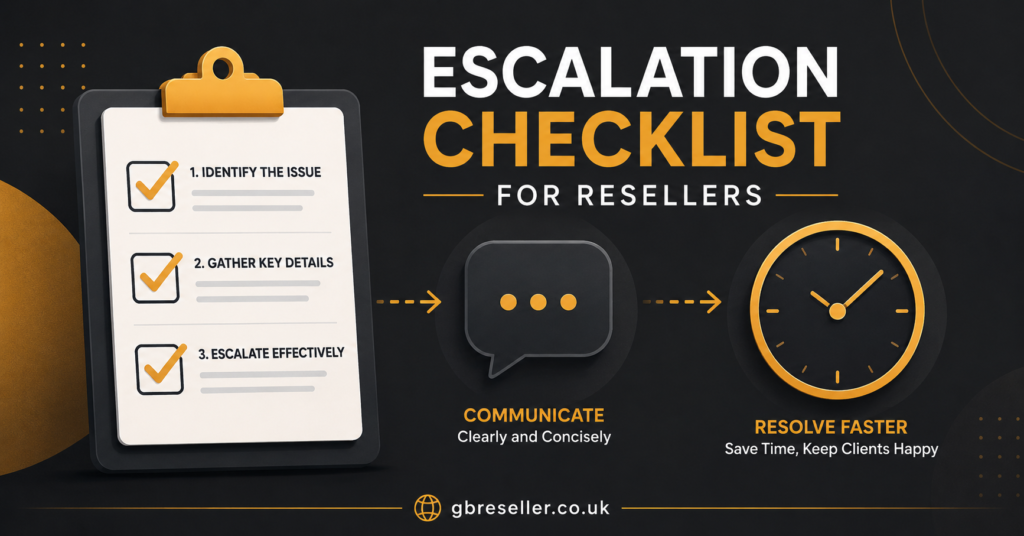
That takes two minutes to write and it often halves the resolution time, because the person on the other end can skip straight to investigating instead of interviewing you.
Pro tip: Write a short template for this and keep it in your notes app. Fill in the blanks each time. It stops you forgetting the one detail that turns out to matter, and it makes you look like someone worth prioritising.
Advice for subscribers
If you are the person watching rather than the person selling, you have fewer tools but the logic is the same. Try a different stream. Restart the app and the box. Restart the router properly. Switch to mobile data and see whether the problem follows you.
Then contact whoever sold you the service and tell them what you tried. Do not just say it is not working. Tell them it fails on both wifi and mobile data, on two devices, on every stream, and started at eight o’clock. That message will get you a real answer. “It’s broken” will get you a request to restart your router.
Beyond the immediate fault, reliability is worth thinking about at the point you choose a service rather than at the point it fails. Ask how outages are communicated. Ask what the refund position is if a service is unavailable for an extended period. Ask whether support is a person or an autoresponder. A provider that answers those questions clearly before you pay is telling you something useful. You can see how one supplier presents its terms and support arrangements on britishseller.co.uk, and it is reasonable to expect that level of basic transparency from anyone you buy from.
It is also worth remembering that IPTV is a delivery technology, not a category of content. The legality of any given service depends entirely on whether the operator has the rights to distribute what it is distributing. A polished website and a working card payment form prove nothing about that. If a provider is evasive about who they are, where they are registered, or what they are licensed to carry, treat the evasiveness as the answer.
Advice for resellers: cutting your own support load
The reason diagnosis matters commercially is simple. Every ticket you send upstream costs you time you are not paid for, and every ticket your customer sends you costs you the same. If you can resolve two thirds of reports yourself in five minutes, you have bought back your evenings.
The way to do that is to stop being the middle link in a chain of guesses.
Give customers a self-check list before they can contact you. Put it on your site, in your welcome email, in your auto-reply. Four steps: try another stream, restart the app, restart the router, try mobile data. A meaningful share of your inbound will simply disappear, because people will fix their own routers.
Ask for the results, not the symptom. Make your support form require answers: does it fail on mobile data, does it fail on a second device, when did it start. If a customer cannot answer, they have not tried, and you can send them back to the list rather than opening a ticket you cannot progress.
Keep test lines. One on your own network, ideally one on a different ISP if you can arrange it. This is the difference between knowing and guessing.
Know your panel’s controls. Understand what your dashboard actually shows you: active connections, expiry dates, connection limits, whether a line has been locked. Half of “the server is down” reports resolve into an expired subscription or a line being used on more devices than it allows. If you are unclear on how your panel exposes this, work through the IPTV reseller panel documentation before you need it in an emergency, not during an outage.
Set an escalation threshold. Decide in advance what triggers a ticket. Something like: two or more unrelated customers, plus my own test line failing, plus five minutes elapsed. Below that threshold, you troubleshoot. Above it, you escalate immediately. Having the rule written down stops you escalating out of panic and stops you sitting on a real outage out of politeness.
Communicate proactively during a genuine outage. One message to all affected customers, sent early, saying you are aware and investigating, will prevent forty individual messages arriving over the next hour. It also makes you look competent, which is worth more than the outage costs you.
There is an operational trade-off here worth naming. Building this process takes a few hours of work up front and it does not feel urgent when things are running smoothly. It only pays off during a bad week. That is precisely why most people never build it, and why the ones who do spend far less of their life answering messages.
Advice for sub-resellers
If you buy your credits from another reseller rather than directly from a platform, your position during an outage is genuinely different, and it is worth being clear-eyed about it.
Your escalation path has an extra link. You raise the issue with your parent reseller, who raises it with the platform. That adds delay you cannot control, and it means your resolution time is capped by how responsive the person above you is. When you are choosing a parent reseller, their responsiveness matters at least as much as their pricing.
Your visibility is narrower too. Depending on how your permissions are configured, you may not be able to see everything the reseller above you can see, which limits how far you can diagnose independently. Find out exactly what your panel exposes before you have a problem.
Your customers still hold you responsible. They bought from you. They do not know or care that there is another party in the chain, and telling them “I’m waiting to hear back” repeatedly will lose you the account regardless of whose fault it was. This is the core risk of the model: you carry the reputational cost of a failure you had no ability to prevent or fix.
So the practical response is to build in a buffer. Know your parent reseller’s typical response time. Communicate to your customers early. Set expectations honestly rather than promising a fix you cannot deliver. And keep enough margin that a bad month does not put you underwater, because you will occasionally have one and it will not be your fault.
Frequently Asked Questions
How do I know if an IPTV server is down or if the problem is my end?
Test a second stream, restart the device, restart the router, then switch to mobile data. If the fault follows you across networks and devices and affects every stream, the problem is more likely to be server-side. If any of those tests resolves it, the cause was local.
Why does the stream work on mobile data but not on my home wifi?
That points to your local network rather than the server. Common causes include a router that needs restarting, a DNS setting that has stopped resolving, congestion on your broadband line, or a VPN or filtering setting on the network.
How long do IPTV outages usually last?
There is no reliable typical duration, because it depends entirely on what has failed and how the operator is set up. Rather than expecting a number, ask your provider before you buy how they communicate outages and what their support hours are.
Should resellers keep a spare test line?
Yes. An active line on your own device lets you distinguish between a fault on one customer’s account and a fault affecting the whole platform in about a minute, without waiting on anyone else.
What should I include when I report an outage to my provider?
The affected line, the exact symptom and any error code, which diagnostic steps you already ran, whether your own test line reproduces it, how many customers are affected, and the time it started with a timezone.
Does a professional-looking IPTV website mean the service is legal?
No. IPTV is a delivery technology, and legality depends on whether the operator holds distribution rights for the content it carries. A polished site and a working payment system tell you nothing about licensing.
Conclusion
When you set out to check IPTV server down status, you are really doing one thing: eliminating everything closer to you until only the server is left. Second stream, second device, second network, second line. That sequence takes five minutes and it will resolve or correctly categorise the large majority of faults you encounter.
Be honest about what you can and cannot prove. From outside someone else’s infrastructure, you are inferring rather than confirming, and inference occasionally gets it wrong. Say “this looks like a platform issue” rather than declaring an outage you cannot actually see.
The practical next step, if you are a reseller, is to spend an hour this week doing three things: activate a permanent test line, write a four-step self-check list for your customers, and draft an escalation template. None of it feels urgent today. All of it will feel indispensable during your next bad evening.
Subscriber Checklist
- Try a second stream before assuming the whole service is down
- Force stop the app and reboot the device, not just close and reopen
- Restart the router and leave it off for thirty seconds
- Test the same line on mobile data to rule out your broadband
- Note the exact time the problem started and any error message shown
- Tell your seller what you already tried, not just that it is broken
- Check the refund and downtime terms before you buy, not after
Reseller Checklist
- Keep at least one active test line on your own device at all times
- Publish a four-step self-check list customers must run before contacting you
- Require diagnostic answers on your support form, not just a description
- Learn what your panel shows: expiry dates, connection limits, locked lines
- Set a written escalation threshold and stick to it
- Send one proactive message to affected customers during a genuine outage
- Keep a running log of outages, duration and customer impact
- Reuse a fixed escalation template so no detail gets left out
Sub-Reseller Checklist
- Confirm exactly which panel controls your permissions actually give you
- Measure your parent reseller’s real response time before you scale
- Assume your resolution speed is capped by the link above you
- Communicate delays to your customers early rather than waiting for news
- Never promise a fix timeline you have no ability to control
- Keep margin healthy enough to absorb a bad month you did not cause
- Have a contingency in mind if your parent reseller becomes unresponsive