
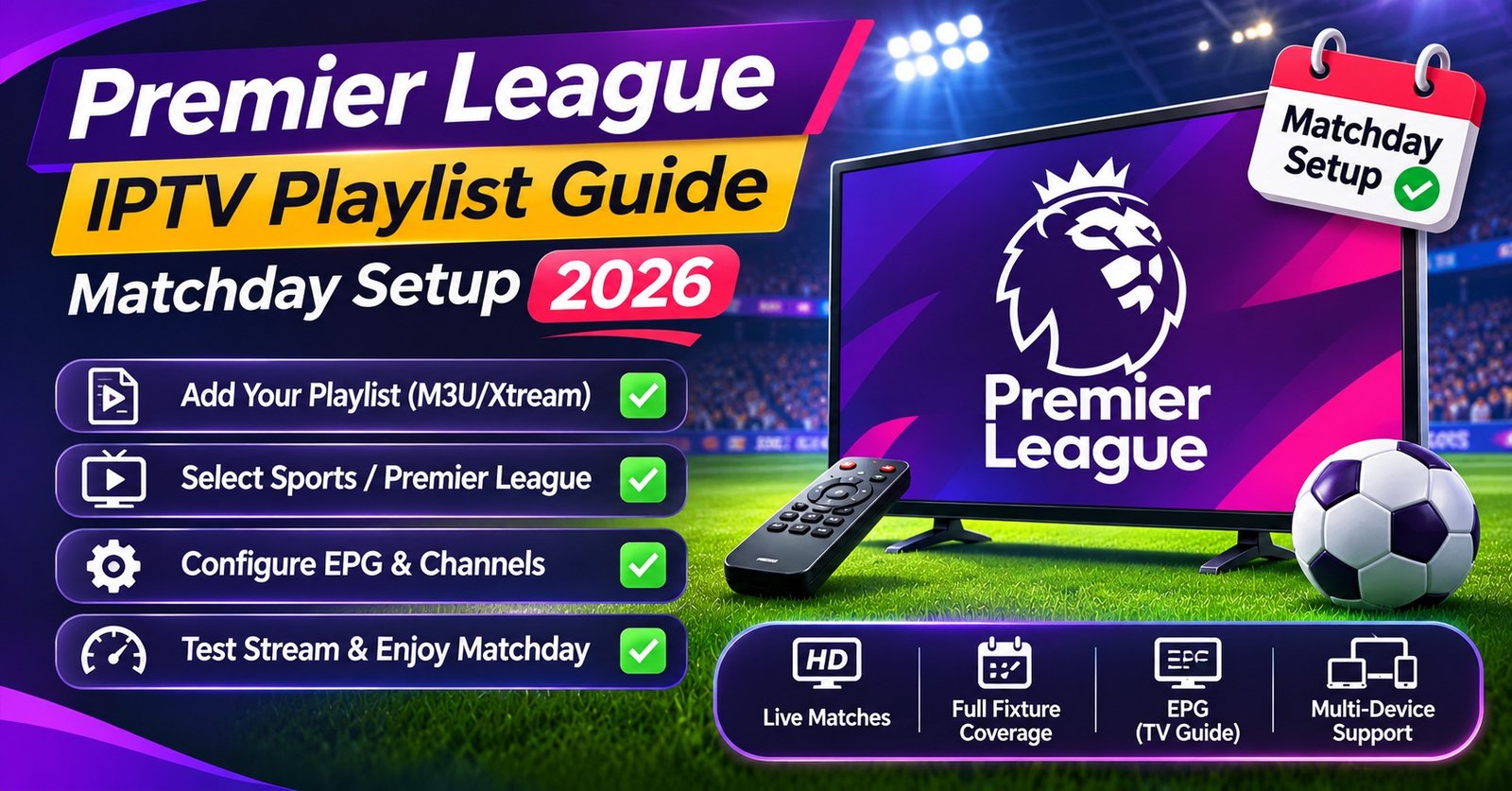

A Premier League IPTV Playlist Guide has to start with one plain fact: a playlist is only an index file. It tells your player app where each channel lives, what to call it, which logo to show and which guide data belongs to it, but it can’t make a stream reliable or legal by itself. So the practical answer is to take the playlist from an authorised IPTV service, put the football channels into one clearly named group, link the programme guide properly and run a short test the evening before a big matchday rather than ten minutes before kickoff.
Most of the “my playlist is broken” panic on a Saturday has nothing to do with the playlist being broken. Usually the guide data stopped matching after the provider renamed something, the app is still holding an old cached copy, or the login inside the link changed after a renewal. Each of those has a quick fix once you know where to look, and none of them requires hunting for a new list.
What Actually Sits Inside the File
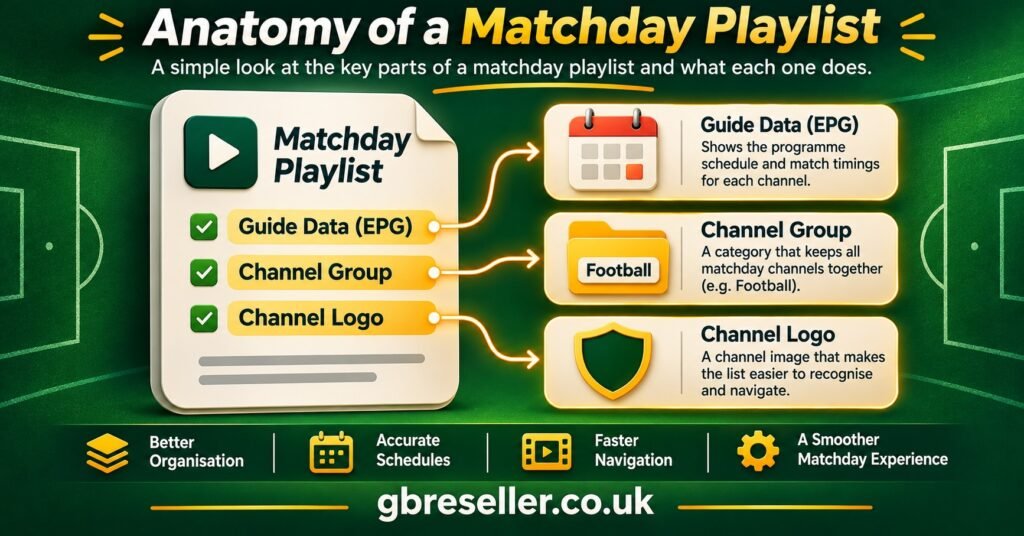
Open an M3U playlist in a text editor and it looks far less mysterious than its reputation. The first line reads #EXTM3U, sometimes followed by an attribute pointing to an XMLTV guide file. After that, every channel takes two lines: an #EXTINF line describing it, and a URL line telling the app where to fetch the stream.
That descriptive line is where nearly all the organisation happens. A typical football channel entry carries a handful of attributes, and each one controls something you’ll notice on screen.
| Attribute | What it controls | What goes wrong when it’s off |
|---|---|---|
| tvg-id | Links the channel to its guide listings | Blank or wrong “now and next” information |
| tvg-name and tvg-logo | Display name and channel artwork | Missing logos, duplicate-looking channels |
| group-title | The folder or category the channel appears in | Football channels scattered across ten groups |
The duration value on a live channel is normally -1, which simply means “this doesn’t end”. Some providers also add catch-up or timeshift attributes, and support for those varies from one player app to another, so don’t assume a feature listed by the provider will appear in every app.
One thing worth treating seriously: an M3U link from an IPTV subscription usually contains the account’s username and password inside the URL. Anyone holding the link holds the login. Share it the way you’d share a password, which is to say, as little as possible.
Building a Football Group You Can Find in Ten Seconds
A full provider playlist can run to thousands of entries, and the football channels are rarely sitting together. They might be split across a sports category, a regional category and an “events” category that only fills up on matchdays. The goal is a single group you can open, scroll once and pick from.
There are two ways to get there, and the choice matters more than people expect.
Organising inside the app
Most modern players let you create favourites lists or custom groups without touching the source file. This is the safer route for subscribers. When the provider refreshes the playlist, your favourites usually survive (the app re-links by channel ID or name), and you haven’t created a separate copy that drifts out of date.
The catch is that favourites tied to a channel name can break if the provider renames a channel. If your group suddenly looks half empty after an update, that’s usually the reason, and re-adding the renamed entries fixes it.
Editing the file itself
Downloading the playlist, editing group-title values and hosting the edited copy somewhere gives you complete control, but it freezes the playlist at the moment you edited it. Channels added or moved by the provider afterwards won’t appear, and if the account password changes at renewal, every URL in your copy stops working at once. For a household that just wants to watch, app-side organisation is almost always the better choice.
Pro tip: Name your football group with a leading character that sorts it to the top, such as “01 Football”, so it appears first in apps that list groups alphabetically.
A legitimate IPTV service will often have already grouped its sports channels sensibly. If yours hasn’t, it’s reasonable to ask the provider or your reseller whether a cleaner bouquet or category option exists on the account before you start rebuilding anything by hand.
The Premier League IPTV Playlist Guide to EPG Matching
The programme guide is where football viewers feel problems first, because a matchday channel with no listings gives you no idea which match is on it. The guide comes from a separate XMLTV file, and the only thing joining it to your playlist is the tvg-id value. If the playlist says one ID and the guide file says another, even by a single character or capital letter, the app shows an empty row.
A few patterns explain most mismatches:
The provider changed channel IDs during an update but your app is still using a guide file it downloaded earlier. Forcing a guide refresh in the app settings usually clears this.
You added an external guide source of your own, and its channel IDs follow a different naming convention from the provider’s playlist. In that case the provider’s own guide URL is the better choice, because the IDs were written to match.
The listings are present but shifted by an hour. That points to a time zone or timeshift setting in the app, and it’s common straight after the clocks change in spring and autumn.
Event channels that only carry a match on certain days can legitimately show sparse or generic listings outside those windows, so a blank guide on a Tuesday isn’t necessarily a fault. If the guide is empty across every channel rather than just a few, the problem is the guide link itself, and our walkthrough on fixing an IPTV EPG that has stopped loading covers that case step by step.
The Rights Question You Can’t Skip
It’s worth being direct here, because football is the area where unlicensed playlists are most heavily marketed. IPTV is a delivery method, nothing more. Whether a football channel in your playlist is lawful depends entirely on whether the service supplying it holds the distribution rights for your country. A polished website, a card payment page or a professional reseller dashboard tells you nothing about that.
In the UK, live coverage of top-flight English football is sold to authorised broadcasters under licence, and there’s also a long-standing rule that keeps Saturday afternoon matches off live television between 2:45pm and 5:15pm. A list advertising every single match live, including that window, is a strong sign the content isn’t licensed. The same applies to free playlists shared on forums or messaging groups, which also tend to disappear without warning and can expose your device to unknown sources.
None of this means football and IPTV can’t mix. Many licensed services deliver their programming over internet protocols, and a properly authorised IPTV service may carry legitimately licensed sports channels. The point is that the rights question has to be answered by the provider, with evidence, and not assumed from the fact that the playlist loads.
A Friday-Night Run-Through
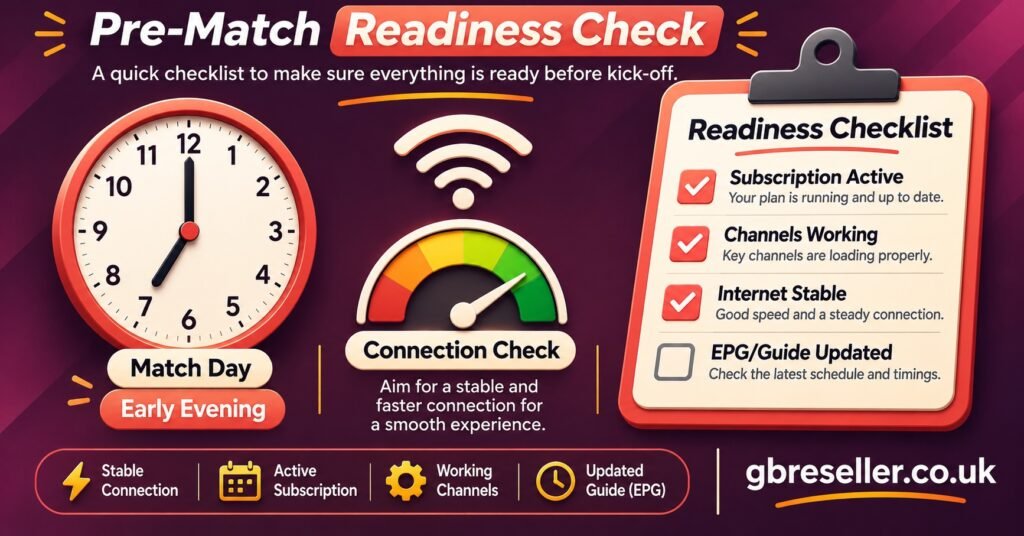
Testing the evening before a busy matchday gives you time to fix things while support teams are still answering messages. Kickoff is the worst moment to discover a problem, because that’s when everyone else discovers theirs.
- Open the football group and confirm every channel you expect is still listed under the same name
- Play two or three football channels for a full minute each, not just until the picture appears
- Check that guide listings show for tomorrow, not only for tonight
- Confirm the subscription expiry date sits comfortably beyond the weekend
- Restart the app once so it pulls a fresh playlist rather than relying on a cached copy
- Run a broadband speed test on the device you’ll actually watch on, ideally over the same Wi-Fi or cable connection
- Note your provider’s or reseller’s support contact somewhere you can reach it without the TV
When a Channel Drops at Kickoff
If a stream fails during a live match, the first job is to work out how widespread the failure is, because that decides what you do next.
If only one channel has stopped, switch to another football channel in the same group. If that plays, your playlist and connection are fine and the issue sits with that single stream. Reporting it to your provider or reseller with the channel name and the time it failed is more useful than restarting your router.
If every channel has stopped, try the same account in a second player app or on a second device. When both fail, the problem is upstream, either an account issue such as expiry or a connection limit, or a wider service outage. Our guide on checking whether an IPTV server is down explains how to tell those apart.
If channels play but stutter, especially during busy evening fixtures, the cause is more likely local bandwidth, Wi-Fi interference or the app’s buffer settings. The specific fixes for that pattern are laid out in stopping IPTV freezing during live football, including buffer size, connection type and when a different player makes sense.
One mistake to avoid: reloading the playlist over and over during the match. Some services count each reconnection as a new session, and on accounts with a single connection allowed, rapid reconnects can briefly lock you out.
What Resellers Should Hand Over
For an IPTV reseller, the football season is when playlist quality becomes a support-ticket problem. Customers rarely complain about a playlist in July. They complain at 7:55pm on a matchday evening.
The most useful thing a reseller can do is deliver a playlist that needs no rearranging. Inside an IPTV reseller panel, that usually means choosing the right package or bouquet for the customer at activation, so the football channels arrive already grouped, and giving the customer both an M3U link and Xtream-style login details where the provider supports both. Some apps handle categories and guide data better through one method than the other, and the trade-offs are covered in our Xtream Codes versus M3U playlist comparison.
A few habits reduce matchday tickets noticeably:
Send the guide URL with the playlist, not separately later. Customers who never received it assume the service has no guide.
Check expiry dates in the week before the opening fixtures and around busy holiday schedules. An account that lapses on a Saturday morning generates an urgent message on a Saturday afternoon.
Be honest about connection limits. If a customer wants the match on in two rooms, they need an IPTV subscription that allows two connections, and saying so at the point of sale is far easier than explaining it mid-match.
Above all, only resell from a provider that can show it has the right to distribute what it supplies. A reseller panel is account-management software; it doesn’t transfer or create any content rights, and the reseller’s name is the one the customer sees. If you’re weighing up how panel features, credits and account controls fit together, our overview of the IPTV reseller panel is a sensible starting point.
Questions People Ask About Football Playlists
Why do my football channels appear twice with slightly different names?
Providers often list the same channel in more than one quality, or in both a sports group and an events group. Check the stream quality in the channel information and keep the version that plays best on your connection in your favourites.
Can I merge playlists from two providers into one football group?
Some apps allow multiple playlists, but each keeps its own login, guide and connection limit. Merging them into one file tends to break guide matching and makes faults much harder to trace, so separate playlists are usually more manageable.
My playlist loads but the football group is empty on matchday. Why?
Event channels are sometimes populated only shortly before a fixture, and some providers reorganise categories during the season. Restart the app to pull a fresh copy, then check whether the channels have moved to a different group.
Does a longer playlist mean a better IPTV service?
No. A huge channel count often means more dead links, slower loading on low-memory devices and more duplicates. Stability, accurate guide data and responsive support matter far more on a matchday than the number of entries.
Will an edited playlist keep working after I renew?
Only if the login details stay the same. If the password or username changes at renewal, every URL in an edited copy needs updating, which is why organising favourites inside the app is usually less trouble.
Before the Next Matchday
The main lesson of this Premier League IPTV Playlist Guide is that a dependable football setup is mostly preparation: a licensed source, a tidy football group, guide data whose IDs actually match, and one unhurried test the night before. The playlist file is the easy part. Rights, account status and connection quality are what decide whether the picture is there at kickoff, so check those first, and if you’re a reseller, settle them for your customers before the fixture list fills up rather than after.