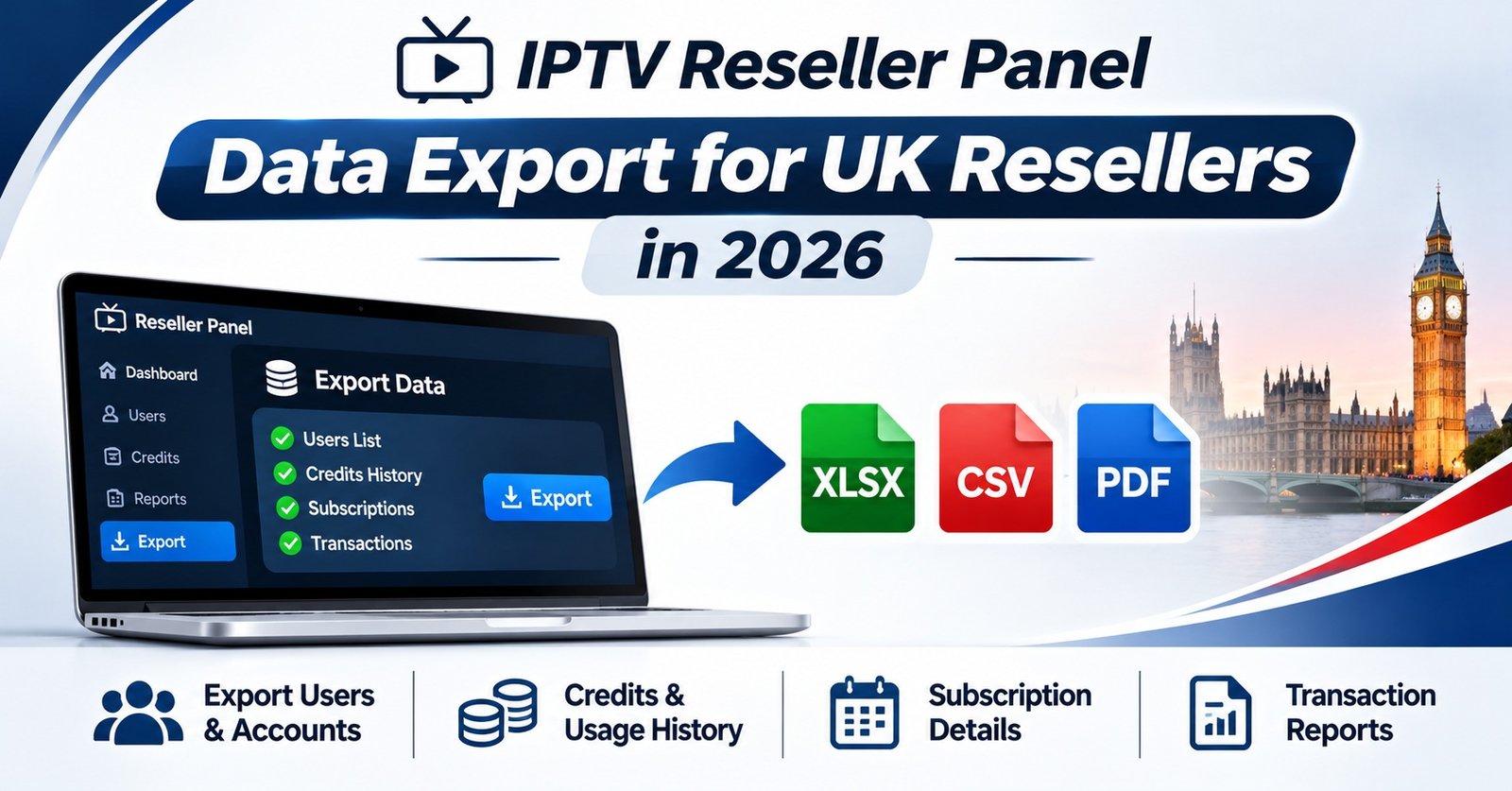

An IPTV Reseller Panel Data Export is only as safe as the columns you leave in it. Before you press the button, decide who the file is for, because that one answer settles the format, the fields and how long the file should exist. For your own bookkeeping, a CSV holding usernames, expiry dates and connection limits is usually plenty. A customer asking for their data needs a short, readable copy of their own record and nothing else. If you’re moving to a new panel, you need a structured file the new system can actually import. Whichever it is, line passwords and playlist links should come out before the file leaves the dashboard.
Most of the risk sits in that last point. A typical M3U or Xtream Codes-style playlist link carries the username and password inside the URL itself, so a spreadsheet that looks like routine admin can work as a bundle of live logins for anyone who opens it. The export button copies whatever the panel holds. It has no idea whether the file is heading to your accountant, a sub-reseller or a shared folder half your team can see. That judgement stays with you, and under UK data protection law, so does responsibility for the subscriber details inside.
Start With the Reason, Not the Export Button
Resellers tend to export for four reasons, and each one wants a different file.
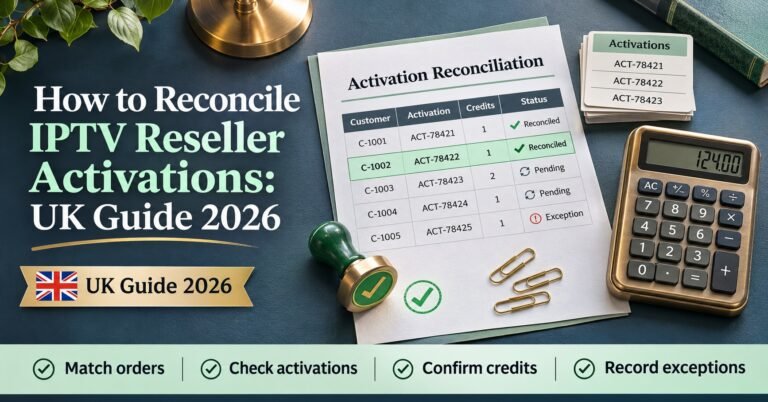
The first is reconciliation. At the end of the month you want to check activations against credits spent, spot lines that renewed without payment and catch trials that were never closed. For that you need usernames, creation dates, expiry dates, package or connection count, and which account created the line. Names, phone numbers and passwords add nothing here. If reconciliation is your main reason for exporting, our guide on reconciling IPTV reseller activations explains how to match those columns against your credit history.
The second is a customer asking what you hold about them. That’s a request about one person, so the export should be filtered to one person before it’s saved anywhere.
The third is migration or backup: moving to another panel, keeping an offline copy in case the provider’s system goes down, or handing the account to a business partner. This is the only situation where you might genuinely need nearly every field, and it’s the one that needs the most care in transit.
The fourth is sharing a slice with someone else: a sub-reseller who wants a list of their own customers, a bookkeeper checking income, or a support helper chasing renewals. These files travel furthest and should carry the least.
Writing the purpose down before you export sounds fussy. In practice it stops the most common mistake, which is grabbing the full export “just in case” and then emailing all of it when only three columns were needed.
Choosing a Format for IPTV Reseller Panel Data Export
Panels vary. Some offer a one-click CSV of all lines, some let you filter by status or sub-reseller first, and some offer no export at all, leaving you to copy tables by hand or ask your provider. Check what yours supports before you promise a customer or partner a particular format.
Where you do have a choice, the format should follow the purpose:
| Format | Best used for | Watch out for |
|---|---|---|
| CSV | Reconciliation, bookkeeping, imports into another panel | Spreadsheet apps silently change dates, numbers and text |
| XLSX | Internal reports with several tabs or totals | Easy to leave hidden columns or old tabs inside |
| JSON | Migration between systems that accept it | Hard for customers or non-technical staff to read |
| A customer’s copy of their own record | Not machine-readable, so unsuitable for portability requests |
CSV is the workhorse, but it has quirks worth knowing. Open a CSV of UK records in a spreadsheet app and a date such as 03/04/2026 can be read as 4 March instead of 3 April, depending on the computer’s regional settings. Mobile numbers lose their leading zero, so 07700 becomes 7700. Customer names with accents can turn into garbled characters if the file isn’t saved as UTF-8. Writing dates in year-month-day order (2026-04-03) and storing phone numbers as text avoids most of this.
There’s a security quirk too. Spreadsheet apps can treat a cell starting with =, +, – or @ as a formula. Panels often have free-text notes fields, and a note someone typed in can end up being run as a formula when the CSV is opened. It’s an uncommon problem, but an easy one to prevent: clean the notes column, or put a single apostrophe in front of any cell starting with those characters.
Pro tip: Keep one untouched copy of the raw export somewhere encrypted, and do all your sorting and filtering on a second copy. If a spreadsheet app mangles dates or zeros, you can still go back to the original without exporting from the panel again.
A Redaction Ladder for Subscriber Files
Instead of deciding column by column every time, it helps to think in levels. The further a file travels from you, the higher up the ladder it should sit.
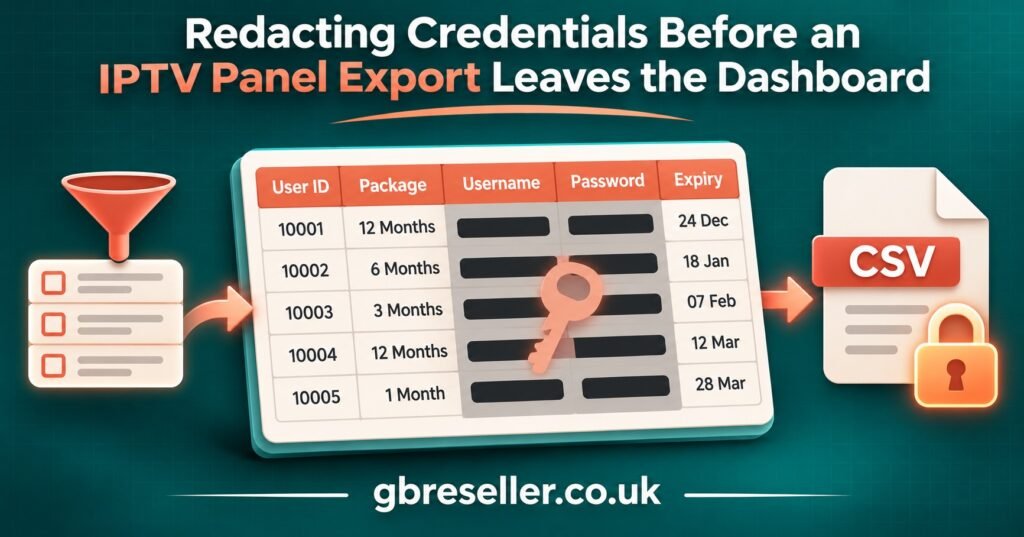
Level one is the full record. Usernames, passwords, playlist URLs, contact details, MAC addresses, notes. This should rarely exist outside the panel at all, and when it does (for a migration, say) it belongs in an encrypted file that’s deleted once the job is finished.
Level two is your working file. Passwords and playlist URLs are gone, and so are any MAC or device identifiers you don’t need. Usernames, dates, packages and the creating account stay. This is the right level for your own reconciliation and renewal planning.
Level three is the shared file. Contact details are removed or shortened, and usernames are replaced with a reference you can match back yourself, such as an internal customer number. A bookkeeper can still see that line 0142 renewed for twelve months on a given date; they just can’t see who that is or log in as them. Under UK data protection law, pseudonymised data like this is still personal data, so it still needs care, but a leaked level-three file does far less harm.
Level four is a customer’s own copy. One person, their own details, presented clearly.
Here’s how a single hypothetical row changes as it moves down the ladder:
| Field | Working file (level two) | Shared file (level three) |
|---|---|---|
| Username | jsmith_lounge | CUST-0142 |
| Password and M3U link | Removed | Removed |
| Expiry date | 2026-12-31 | 2026-12-31 |
| Connections | 2 | 2 |
| Mobile number | 07700 900123 | Removed |
| Created by | sub-reseller account B | Sub-reseller B |
Notice that the operational value survives. The person checking renewals still knows what expires, when and under which account. The details that let someone impersonate the customer or use their line don’t make the trip.
When a Customer Asks for Their Data
A subscriber can ask what you hold about them, verbally or in writing, and they don’t have to call it a “subject access request” for it to count. Under UK GDPR you normally need to respond within one calendar month and without charging a fee. If the request is complex, or the same person sends several, you can extend by up to two further months, as long as you tell them within the first month and explain why. Since the Data (Use and Access) Act 2025, the law also says plainly that you need to make a reasonable and proportionate search, not an exhaustive one, and that you can pause the clock while you wait for clarification you genuinely need.
For an IPTV reseller, the practical steps are fairly contained. Confirm the person is who they say they are, using something you already hold such as the email or number on the account, rather than asking for documents you don’t need. Filter the export down to their line or lines before saving it. Check notes fields for comments that mention other customers. Then send a clear copy, often a short PDF or a simple table in the email itself.
Their username and password are their own data, but there’s no reason to put live credentials in the same message as their personal details. Confirm the username, and offer to reset or resend the password separately through your normal support route.
Where a customer specifically wants to take their data elsewhere, the right to data portability may apply to information they gave you under the subscription contract. That right expects a structured, commonly used, machine-readable format, which is where a single-row CSV beats a PDF.
This is general information, not legal advice. If a request involves a dispute, a complaint or a lot of records, speak to a qualified adviser.
Moving Files Without Leaving Copies Everywhere
Most leaks happen in transit rather than at rest. A file gets attached to an email, forwarded once, saved into a downloads folder, synced to a phone, and suddenly exists in five places nobody remembers.
A few habits keep that under control. Put any export above level three inside an encrypted archive and send the password through a different channel from the file itself. Prefer a shared link that expires and can be revoked over an email attachment that lives forever in two inboxes. Avoid dropping subscriber files into group chats, where every member’s device keeps a copy. After sending, clear the file from your downloads folder and any “recent files” area of the app you used.
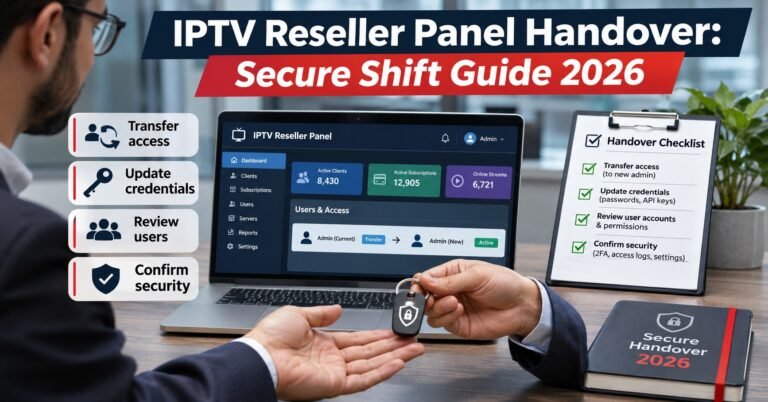
Migrations deserve their own plan. Export, transfer, import, check the new panel against the original counts, then delete the transit copies. If you’re handing an account to a partner or new manager, our guide to a secure IPTV reseller panel handover covers access changes alongside the data itself. It’s also worth cleaning duplicates before you import, because merging later is harder; see how to handle duplicate IPTV subscriber accounts before the new system inherits the mess.
Where Exports Should Live, and When They Should Go
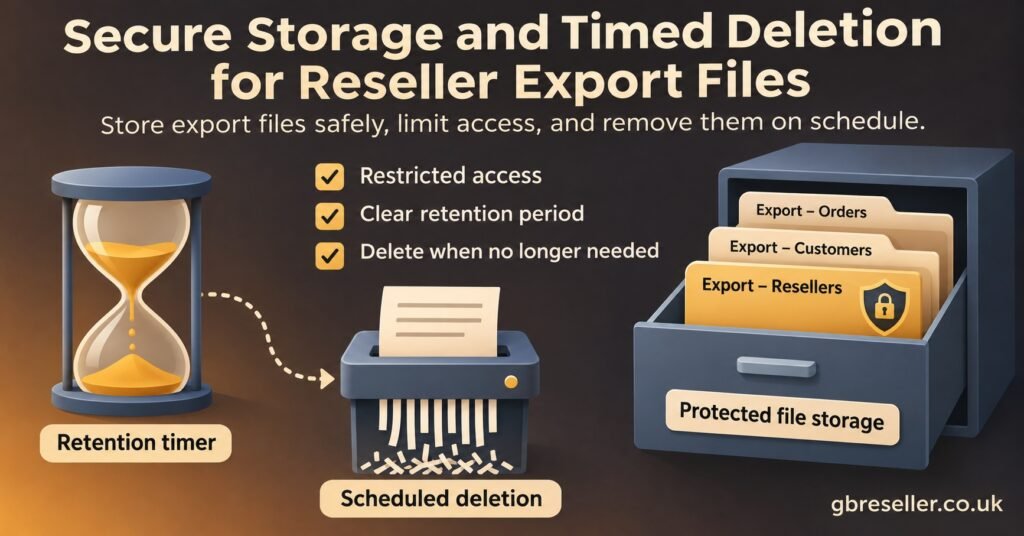
Storage is mostly about two questions: who can open the file, and how long it’s allowed to exist.
Keep exports in one known location, ideally an encrypted drive or an encrypted folder within your cloud storage, with access limited to the people who need it. A file-level password in a spreadsheet app is better than nothing, but it shouldn’t be your only protection. Name files so their contents are obvious at a glance, for example 2026-11-reconciliation-L2.csv, where the final part tells anyone who finds it which redaction level it holds.
Retention is where many IPTV panel reseller businesses slip. UK data protection law expects personal data to be kept no longer than necessary for its purpose. A reconciliation file has done its job once the month is closed and your figures are recorded; a migration copy has done its job once the new panel is checked. Give each export a delete-by date when you create it, then actually delete it, including any copies in email sent folders and backups you control.
The panel itself remains your source of truth. Exports are snapshots, and old snapshots go stale quickly: lines expire, customers change numbers, accounts get closed. An eight-month-old spreadsheet isn’t just a privacy risk, it’s often simply wrong.
An Export Log Entry You Can Copy
A short log turns all of this into a habit and gives you evidence if a customer or partner ever asks what happened to their data. One entry per export is enough:
Date and time: 2026-11-14, 10:30
Exported by: Account owner
Scope: Active and expired lines, sub-reseller B only
Purpose: Monthly reconciliation
Format: CSV, UTF-8, ISO dates
Redaction level: Level two (passwords, M3U links and device IDs removed)
Stored at: Encrypted reconciliation folder
Shared with: Nobody
Delete by: 2026-12-14
Deleted and confirmed: (fill in when done)
If you already keep a record of panel changes, add exports to the same place. The IPTV reseller panel change log template works well for this, since an export is just another action taken on the account.
Before You Press Export
- Write down the single purpose of this file
- Filter by date, status, account or customer before exporting, not after
- Choose the format the recipient can actually use
- Strip passwords, playlist URLs and device identifiers unless the purpose truly needs them
- Clean free-text notes and neutralise cells starting with =, +, – or @
- Save dates as year-month-day and phone numbers as text
- Decide where it will be stored and who can open it
- Set a delete-by date and add the entry to your log
Questions Resellers Ask About Exports
Can a sub-reseller export my whole customer list?
That depends on how your panel handles permissions. Most panels limit a sub-reseller to the lines their own account created, but check rather than assume, and don’t widen their access just to make a report easier. If they need a summary of your wider figures, send them a level-three file instead.
Should I export lines that have already expired?
Only if the purpose needs them, such as win-back planning or year-end bookkeeping. Expired customers are still people whose data you hold, and keeping them in every export makes your files bigger and riskier for little gain.
Can I export the channel list or playlist to show prospective customers?
Be careful here. Panel exports are account data, not a licence. IPTV is a delivery technology, and what you can show or distribute depends on the rights your authorised content provider holds and the terms you agreed with them. A professional dashboard doesn’t by itself establish that the content is licensed, so check your provider’s terms before sharing any content listing.
My panel has no export option. What can I do?
Ask your provider whether they can supply one, and what format and fields they include. In the meantime, keep your own structured record as you go: when a line is created or renewed, note the essentials in your own sheet. As an IPTV seller, owning a clean record of your customers is useful even when the panel offers exports, because providers change and dashboards get redesigned.
Is a password-protected spreadsheet secure enough to email?
It’s an improvement over a plain attachment, but not a full answer. Send the password separately, prefer an expiring link over an attachment, and remove credentials from the file whenever possible, so a leak exposes less.
Keeping the File Smaller Than the Panel
A good IPTV Reseller Panel Data Export is deliberately incomplete. It holds what one purpose needs, in a format the recipient can read, for as long as that purpose lasts, and then it’s gone. For a UK IPTV reseller that mostly means three things: take credentials and playlist links out by default, filter before you save, and log every export with a delete-by date. Panel features differ and the law can be updated, so check your own dashboard’s options and treat legal points here as a starting point rather than advice. A sensible next step is to look at your downloads folder and shared drives today, find any old full exports sitting there, and decide which ones still have a reason to exist.